What Should a Video Editor Job Description Include?
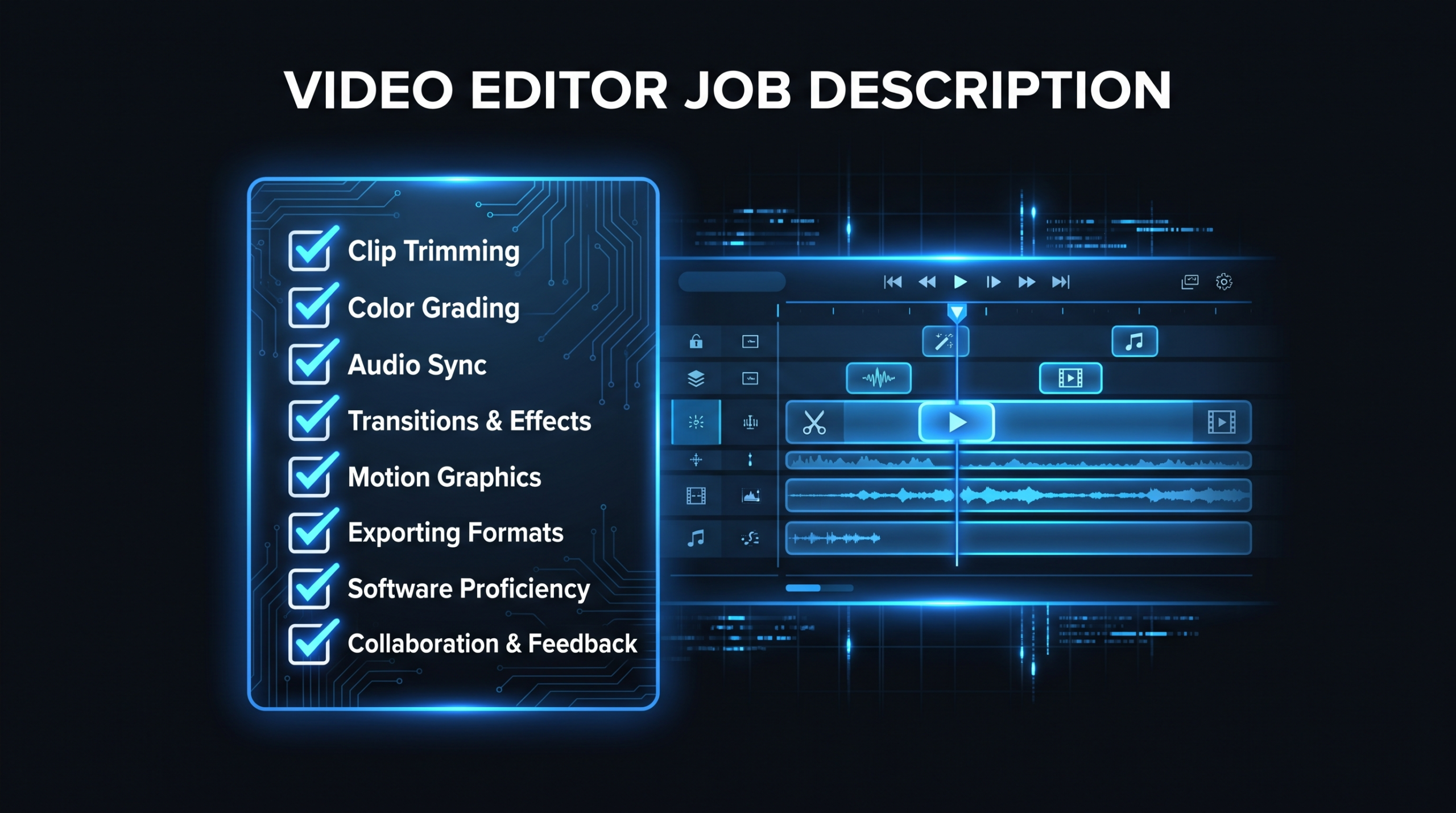
A video editor job description is the posting that tells candidates what they will produce, with which tools, for what pay and under what terms, and it should include eight things: a specific job title, a short role summary, outcome-based responsibilities, required skills and software, nice-to-have skills, employment type and location, a pay range, and a plain description of how hiring works.
Key Takeaways
- Write for the job, not the genre. "Video editor" can mean a podcast cutter, a YouTube editor or a motion designer. Name the format and the weekly volume.
- List outcomes, not just tasks. "Deliver [number] finished product videos per month from raw footage" screens better than "edit videos."
- Split required from nice-to-have. Long must-have lists shrink and skew your applicant pool.
- State pay and employment type. It sets the legal footing and filters the pool before you spend time on interviews.
- If the list keeps growing, you may need a team, not a hire. A single editor rarely covers editing, motion graphics, sound and project management.
Written by the VEC Editorial Team. Sources last checked October 24, 2026.
Table of Contents
- What sections should a video editor job description include?
- How do you write the job title and summary?
- Which responsibilities belong in the posting?
- Which skills and tools should you require?
- How should you handle pay and employment type?
- What does a complete sample look like?
- What should you leave out?
- How do you turn the posting into a hiring process?
- When does an agency beat a job post?
- FAQ
What sections should a video editor job description include?
Eight sections cover what candidates need to decide whether to apply and what you need to screen them fairly. Skip any of them and you either attract the wrong people or lose the right ones.
The Eight Sections of a Video Editor Job Description
| Section | What it does | Common mistake |
|---|---|---|
| Job title | Sets the level and the format you hire for | Vague "Video Guru" or "Content Ninja" titles |
| Role summary | Says what the editor produces and for whom | Two paragraphs of company history |
| Responsibilities | Lists the outcomes you will measure | A task dump with no volume or format |
| Required skills and tools | Defines the minimum to do the job on day one | Listing every editing app ever made |
| Nice-to-have skills | Separates growth skills from entry requirements | Putting them in the required list |
| Employment type and location | States full-time, part-time or contract, plus time zone | Leaving out time-zone overlap |
| Pay | Gives a range or rate model | "Competitive" with no number |
| Hiring process | Shows the steps, including any paid test | Surprising candidates with unpaid work |
The sections below take them in order, then give you a complete sample to adapt. If you are still deciding whether to post a job at all, start with our framework on whether to hire a video editor or outsource.
How do you write the job title and summary?
Use a plain, searchable title that names the level and the format, then write a summary of two or three sentences that says what the editor makes, who it is for, and what success looks like in the first 90 days.
Choose a title candidates actually search for
Candidates search for "video editor," "senior video editor" or "motion graphics editor," not for inventive titles. Add the format in the title or the first line when it matters: "Video Editor (B2B Product and Explainer Videos)" tells a SaaS-experienced editor more than "Video Editor" alone. Match the level to the work. If the person will own review rounds and mentor a junior, say senior. If they will cut from a finished script and a style guide, say mid-level or generalist.
Write a summary that contains a number and a format
A good summary names the volume, the format and the reporting line. For example: "You will edit [number] product, webinar and customer videos per month for a B2B software company, working from raw footage and a brief, reporting to our Head of Content." Placeholders in brackets are yours to fill with real figures. Do not copy someone else's numbers; use your own content calendar. Our video editor onboarding guide shows what the first month looks like once the person is hired, which is a useful test of whether the summary promises the right things.
Which responsibilities belong in the posting?
List five to eight responsibilities written as outcomes, grouped by editing, finishing and workflow. This mirrors how the work is actually described by occupational sources: O*NET's summary for film and video editors lists tasks such as organizing and stringing together raw footage according to scripts or direction, trimming and reassembling segments, adding music, dialogue and sound effects, and reviewing assembled video to decide whether corrections are needed (O*NET 27-4032.00, checked October 24, 2026).
Core editing responsibilities
- Assemble raw footage into finished videos from a script, brief or outline.
- Cut for pacing, structure and clarity, including removing mistakes and dead air.
- Add music, sound effects and captions, and balance audio.
- Produce each video in the aspect ratios and lengths your channels need.
Finishing and brand responsibilities
- Apply brand templates, lower thirds, colors and typography consistently.
- Do basic color correction and audio cleanup so footage from different cameras and screen recordings matches.
- Export final files to specification and archive project files so someone else can reopen them.
Workflow responsibilities
- Hit agreed turnaround times for first cuts and revision rounds.
- Take review feedback in your review tool, consolidate conflicting notes and ask when a note is unclear.
- Flag footage problems early instead of editing around them.
Write two or three of these with a number attached: volume per month, turnaround for a first cut, rounds of revisions. That is what turns a task list into something you can measure in a 30-60-90 day review. Keep shooting, scripting, animation and strategy out of this list unless you truly want them in the job. The Bureau of Labor Statistics separates editors, who arrange footage shot by camera operators, from videographers and camera operators who capture it (BLS Occupational Outlook Handbook, checked October 24, 2026), and postings that blend those roles tend to describe several jobs at once.
Which skills and tools should you require?
Require only what the person needs on day one, name the exact software you use, and move everything else to a nice-to-have list. Four to six required items is a workable ceiling for most editing roles.
Required vs Nice-to-Have Skills
| Skill | Required or nice-to-have | How to phrase it | How to check it |
|---|---|---|---|
| Core editing software | Required | "Fluent in Adobe Premiere Pro, DaVinci Resolve or Final Cut Pro" | Paid test edit in your tool |
| Storytelling and pacing | Required | "Can cut a clear narrative from raw footage" | Portfolio review plus test |
| Audio basics | Required | "Clean dialogue, balance music, remove noise" | Listen to the test edit with headphones |
| Captions and subtitles | Required for social or B2B | "Accurate, on-brand captions" | Check a 60-second sample |
| Review tools | Required | "Comfortable with timestamped feedback tools" | Ask them to describe their last review round |
| Motion graphics | Usually nice-to-have | "After Effects or Resolve Fusion experience a plus" | Ask for one animated example |
| Color grading | Nice-to-have unless footage is mixed | "Basic correction required; grading a plus" | Compare shots in the test |
| B2B or SaaS experience | Nice-to-have | "Experience with product or explainer video" | Portfolio relevance |
Tools are worth naming because editors specialize. BLS notes that editors are often trained in a specific type of editing software, so "any editing software" reads as sloppy to a candidate. Mention the editing application (for example DaVinci Resolve) and the review tool you use (for example Frame.io) only if you truly use them, since candidates will plan around what you list.
On years of experience: avoid blanket numbers such as "5+ years" unless you can defend them. Ask for evidence of the specific work instead, such as "a portfolio showing product or explainer videos with narration and screen recordings." Likewise, BLS lists a bachelor's degree as the typical entry-level education for the occupation, but that is a description of the occupation, not a requirement your posting needs to copy. For marketing video work, a portfolio and a test edit are better filters than a degree line.
How should you handle pay and employment type?
State the employment type, the pay range or rate model, and the time-zone expectations in the posting, because each one changes who applies and what you owe them legally.
Employment Types and What to State
| Type | What to state | Watch out for |
|---|---|---|
| Full-time employee | Salary range, benefits, hours, reporting line, location or time zone | Total cost beyond salary; see our salary vs agency retainer math |
| Part-time employee | Hours per week, hourly or salary range, flexibility | Capacity: part-time editors cannot absorb spikes |
| Freelance or contract | Rate model (per video, per hour or monthly), deliverables, deadlines, payment terms | Dictating hours and methods can undermine a contractor classification |
| Agency or dedicated team | Not a job posting; a scoped retainer with agreed output | Confirm the team, not a single named editor, owns the work |
What does the pay range look like in your market?
For a national reference point, the BLS reports a median annual wage of $75,420 for film and video editors in May 2025 (BLS Occupational Outlook Handbook, checked October 24, 2026). That figure covers all industries, including film and television, so treat it as a reference point, not a quote for your market. For hourly and contract rates by region, use our guide to video editor hourly rates by country, and set your range against the location and seniority you actually want.
Employee or contractor: wording that matches the relationship
The IRS says the employee-versus-contractor question turns on the degree of control and independence, and groups the evidence into behavioral, financial and type-of-relationship factors (IRS guidance, checked October 24, 2026). In practice: if you post a contractor role, describe deliverables and deadlines and let the editor choose methods and hours. If you want to set their schedule, assign their tools and expect them to work only for you, write an employee posting. This is general information, not legal advice; check with an employment lawyer or accountant for your situation, and compare hire types in our full-time vs part-time vs agency guide.
What does a complete sample look like?
Here is a template you can copy and adapt for a B2B marketing team. Replace every bracketed item with your own facts, and delete anything that is not true of your role.
Sample: Video Editor, B2B Product and Explainer Videos
Summary. We are looking for a video editor to turn raw footage, screen recordings and voiceover into finished product, explainer and customer videos for [company], a [type] software company. You will report to [title] and work from a brief, a script and our brand templates.
Responsibilities.
- Edit [number] videos per month, ranging from [length] to [length], from raw footage and a written brief.
- Deliver a first cut within [number] business days of receiving footage, and turn around revisions within [number] business days.
- Apply our brand templates, captions and audio standards consistently.
- Export each video in [aspect ratios] and archive project files in our shared drive.
- Consolidate review feedback and flag unclear or conflicting notes before editing.
Required.
- Fluency in [primary editing software].
- A portfolio showing narrative edits with dialogue or voiceover.
- Clean audio handling and accurate captions.
- Comfort working from written feedback in [review tool].
Nice to have. Motion graphics in [tool]; experience with SaaS product or explainer videos; basic color correction.
Employment and location. [Full-time / part-time / contract], [time zone and overlap hours], [remote or location].
Pay. [Range or rate model, benefits if applicable].
How we hire. Portfolio review, a [length] call, and a paid test edit on a short sample project with a written brief. We reply to every applicant within [number] business days.
The paid test edit is the most important line in the sample. It tells serious candidates you value their time and gives you real evidence on pacing, audio and following direction, which a portfolio cannot do because you do not know how much help the editor had. Keep it short, scoped to one realistic deliverable, and the same for every finalist.
What should you leave out?
Leave out anything that does not change who should apply or how you will judge them. The most common problems are bundled roles, vague perks language and hidden work.
- Bundled roles. "Edit, shoot, animate, write scripts, run our social channels and manage the editing team" describes at least three jobs. If you truly need all of them, say which one is primary and what the rest are worth in pay, or split the role.
- Unrealistic software lists. Asking for every editing and motion application signals that you do not know which one you use.
- "Rockstar," "ninja" and similar labels. They say nothing about the work and discourage careful candidates.
- "Competitive pay" with no number. It reads as below market to candidates who have seen ranges elsewhere.
- Unpaid trial work. A free full-length edit on your real footage is a poor way to start. Use a short, paid, scoped test.
- Exaggerated perks. Do not promise growth paths, equipment or autonomy you cannot deliver.
- Demographic or personal requirements. Keep language focused on skills and outcomes; check your local employment rules for anything about age, location or personal characteristics.
How do you turn the posting into a hiring process?
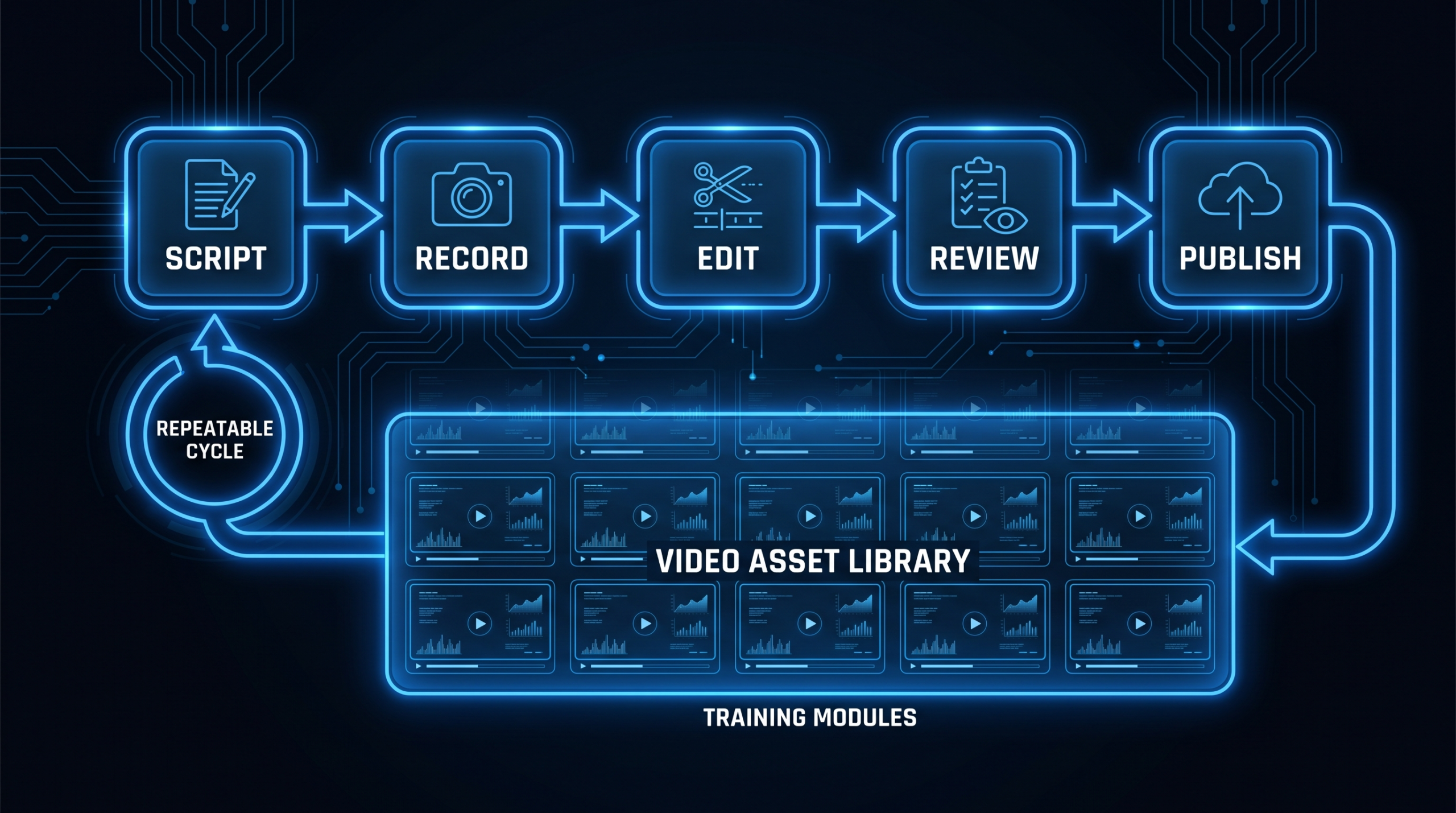
Run four steps against the same written criteria: screen portfolios for the format you named, hold a short call, give a paid test edit, and check references or past work. The job description is your scoring sheet, so every requirement in it should map to something you can check.
- Portfolio screen. Reject portfolios that do not show the format in the posting, such as narrative edits with dialogue for an explainer role. Count only work they can confirm they edited.
- Short call. Ask how they handle conflicting review notes, what they do when footage is poor, and how they structure a project file so someone else can pick it up.
- Paid test edit. Give the same short brief to every finalist, set a deadline, pay the same amount, and score pacing, audio, brand accuracy and following instructions.
- Reference or past-work check. Confirm responsiveness and reliability with someone who has received their deliverables.
Plan the first month before the offer goes out: asset access, brand kit, review tool and a first project. Our video editor onboarding guide covers that setup.
When does an agency beat a job post?
An agency or dedicated team beats a single hire when the job description keeps growing past what one person can cover, when you need steady output without a hiring gap, or when you do not want to manage editors directly.
Single Hire vs Dedicated Team
| Factor | One editor (employee or contractor) | Dedicated team (VEC) |
|---|---|---|
| Skills covered | One person's range | Editors, motion and project management on one account |
| Absences and turnover | Output stops until replaced | Team covers; the agency handles replacement |
| Management time | Yours | Project manager handles queue and revisions |
| Cost model | Salary plus overhead, or per-video or hourly rates | Flat monthly plan at $5K, $9.5K or $16K |
| Ramp-up | Recruit, test, onboard | Brief and kickoff |
VEC builds dedicated editing teams for B2B companies, post-production only, with plans at $5K, $9.5K and $16K per month and a guarantee to double your video output in 90 days or month 4 is free. If your posting reads like a team, see how VEC works and compare the cost against a hire using our in-house editor salary vs agency retainer breakdown. If you still prefer an individual, our guide to video editors for hire compares freelancers and agencies, and the pricing page shows what a team costs.
Frequently Asked Questions
What should a video editor job description include?
Include a specific job title, a two-sentence role summary, outcome-based responsibilities, required skills and software, nice-to-have skills, employment type and location, a pay range, and a short description of the hiring process. Everything else is optional.
How long should a video editor job description be?
Short enough that a candidate can judge fit in a couple of minutes. A one-paragraph summary, a bulleted list of responsibilities, a skills list and a pay and process block is enough. Long lists of unrelated requirements reduce the number of strong applicants.
Should I put a salary or rate in the posting?
Yes, wherever you can. A stated range filters out mismatched applicants before anyone spends time on a test edit, and some US states and cities require pay ranges in postings, so check the rules where you hire. For contractors, state whether you pay per video, per hour or per month.
What is the difference between a video editor and a videographer in a job posting?
A video editor assembles and finishes recorded footage, while a videographer captures it. The U.S. Bureau of Labor Statistics describes editors as arranging footage shot by camera operators, so a posting that expects one person to shoot, edit, animate and produce is really asking for several roles.
Is a freelance video editor posting different from an employee posting?
Yes. A contractor posting should describe deliverables, deadlines and rate, and should not dictate hours or methods, because control is a central factor in how the IRS distinguishes employees from contractors. An employee posting can include schedule, benefits, reporting line and growth path.
Posting a Video Editor Job? Consider a Team First
VEC provides dedicated video editing teams for B2B companies, with plans from $5K per month and a guarantee to double your video output in 90 days or month 4 is free. Tell us your volume and formats and we will outline the setup.
Book a Free Strategy Call See Pricing