What Should a Corporate Holiday Video Include?
A corporate holiday video should include a sincere thank-you from leadership, real faces from across the company, a short look back at the year, one clear closing message, and captions so everyone can watch it, all in a cut that runs roughly one to three minutes.
Key Takeaways
- The core ingredients are a genuine thank-you, real people, a brief year recap, a single closing message and captions.
- Choose the audience first. A video for employees and a video for customers need different tones and different places to live.
- Employee-recorded phone clips edited into a branded cut are a practical alternative to a full shoot, and they read as more authentic.
- Keep the tone inclusive: not every viewer celebrates the same holidays, and no one should feel obliged to take part.
- Popular holiday songs are copyrighted. Use licensed or library music, not whatever is trending.
- Start about five to six weeks before your publish date. The delays come from collecting clips and approvals, not from editing.
Table of Contents
- What should a corporate holiday video include?
- Who is the video for: your team, your customers, or both?
- Which type of corporate holiday video fits your company?
- What does a good 90-second structure look like?
- How do you collect footage from a remote team?
- How do you keep a holiday video inclusive and accessible?
- Can you use any holiday music?
- How long should it be, and where should it go?
- What does a corporate holiday video cost?
- When should you start?
- What mistakes ruin corporate holiday videos?
- FAQ
If you are a marketing or people lead who has been asked to "do something for the holidays" and is staring at a blank calendar, this guide is the short version of what to put in the video, who should be in it and how to get it done without a film crew. It sits alongside our wider list of company culture video ideas, which covers the rest of the year. This post is about the one video that has a hard deadline.
What should a corporate holiday video include?
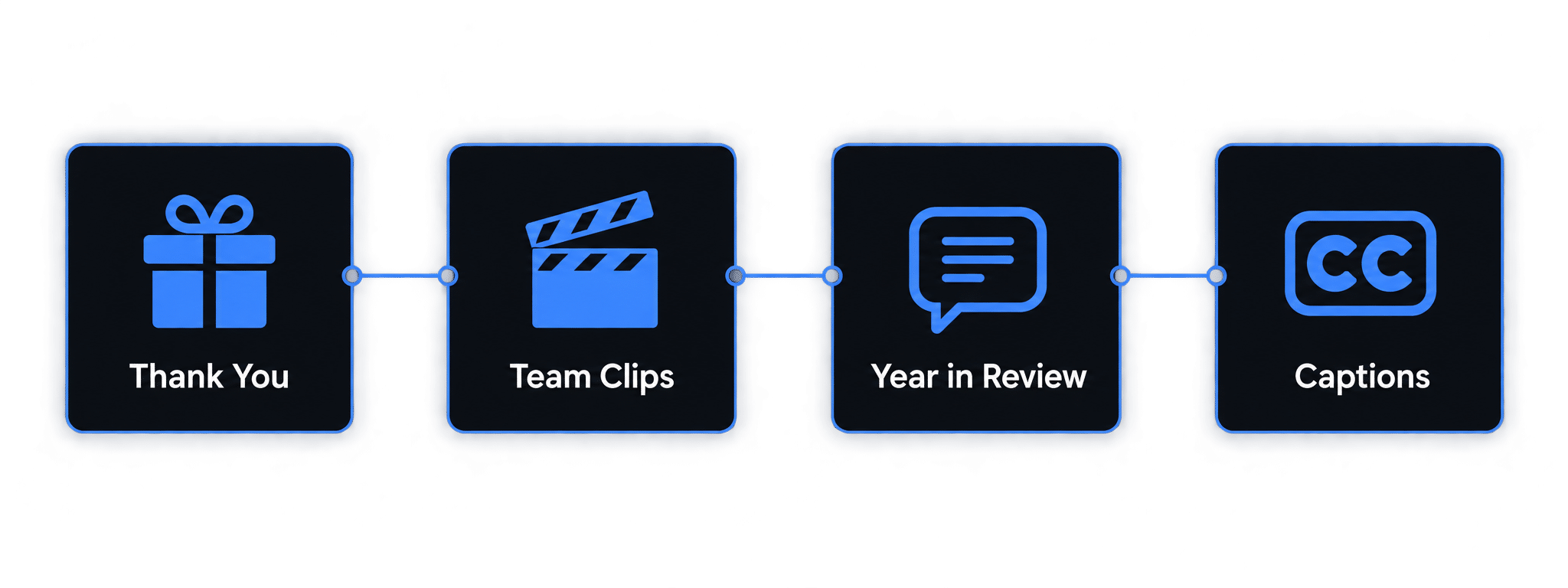
A corporate holiday video should include six things: a thank-you, real people, a year-in-review beat, a single message, a light branded touch and captions.
| Element | What it looks like | Why it matters |
|---|---|---|
| Genuine thank-you | A leader or founder names what the team or customers actually did this year | Gratitude that is specific reads as sincere; generic gratitude reads as a template |
| Real people | Short clips of employees (or customers) saying a line, waving, or showing their workspace | Faces carry the culture; stock footage cannot |
| Year-in-review beat | Two or three milestones shown as quick visuals or lower-third captions | Gives the thank-you something to be thankful for |
| One message | A single closing line, such as "see you in January" or "thank you for building this with us" | A video with three messages leaves viewers with none |
| Light branded touch | Logo end card, brand colors, a consistent lower-third style | Makes the video recognizably yours without turning it into an ad |
| Captions | Burned-in or sidecar captions on all speech | Many people watch with sound off, and some viewers need captions to follow at all |
Notice what is not on the list: a sales pitch, a product feature tour, or a countdown to a promotion. A holiday video that sells is just a promotional video with decorations.
Who is the video for: your team, your customers, or both?
Decide the audience before you decide anything else, because it sets the tone, the cast and the channel. An internal video can be playful and inside-joke heavy; an external one needs to be warm but polished and should never expose internal details.
| Audience | Goal | Tone | Where it lives |
|---|---|---|---|
| Employees | Recognition, belonging, a send-off before the break | Warm, informal, a few jokes | All-hands, intranet, Slack or Teams, email |
| Customers and partners | Thanks and relationship-building | Warm, polished, no internal references | Email, LinkedIn, account-manager outreach |
| Both | One brand moment, two cut-downs | Warm and inclusive; lighter on in-jokes | Master cut plus a shorter external version |
If your primary audience is employees, this is really an internal communications video, and the same rules apply: keep it short, make it skippable without guilt, and put it where people already look. If you are building a recurring culture program, our guide to company culture video production covers how to turn one-off moments like this into a series.
Which type of corporate holiday video fits your company?
The right type depends on your headcount, how distributed the team is and how much time you have. A leadership message is the fastest; a team montage is the most personal; an animated greeting is the safest when you cannot gather footage. The table below compares six common formats.
| Format | Best for | Typical length | Effort |
|---|---|---|---|
| Leadership thank-you message | Small teams, tight deadlines | 45 to 90 seconds | Low: one recording session |
| Team montage | Distributed or remote teams | 60 to 120 seconds | Medium: clip collection is the work |
| Year-in-review recap | Companies with real milestones to show | 90 to 180 seconds | Medium: needs a script and assets |
| Customer thank-you | Account-based and B2B relationship plays | 30 to 60 seconds | Low to medium |
| Giving or charity recap | Companies running a real giving program | 60 to 120 seconds | Medium: depends on the partner's approval |
| 2D animated greeting | Teams that cannot gather footage | 20 to 45 seconds | Medium: needs concept and design |
The lengths above are planning guidance based on how these formats are commonly paced, not a measured benchmark. When in doubt, go shorter. For ideas on tone and pacing, our roundup of corporate video examples shows how different companies handle on-camera talent and branding.
What does a good 90-second structure look like?
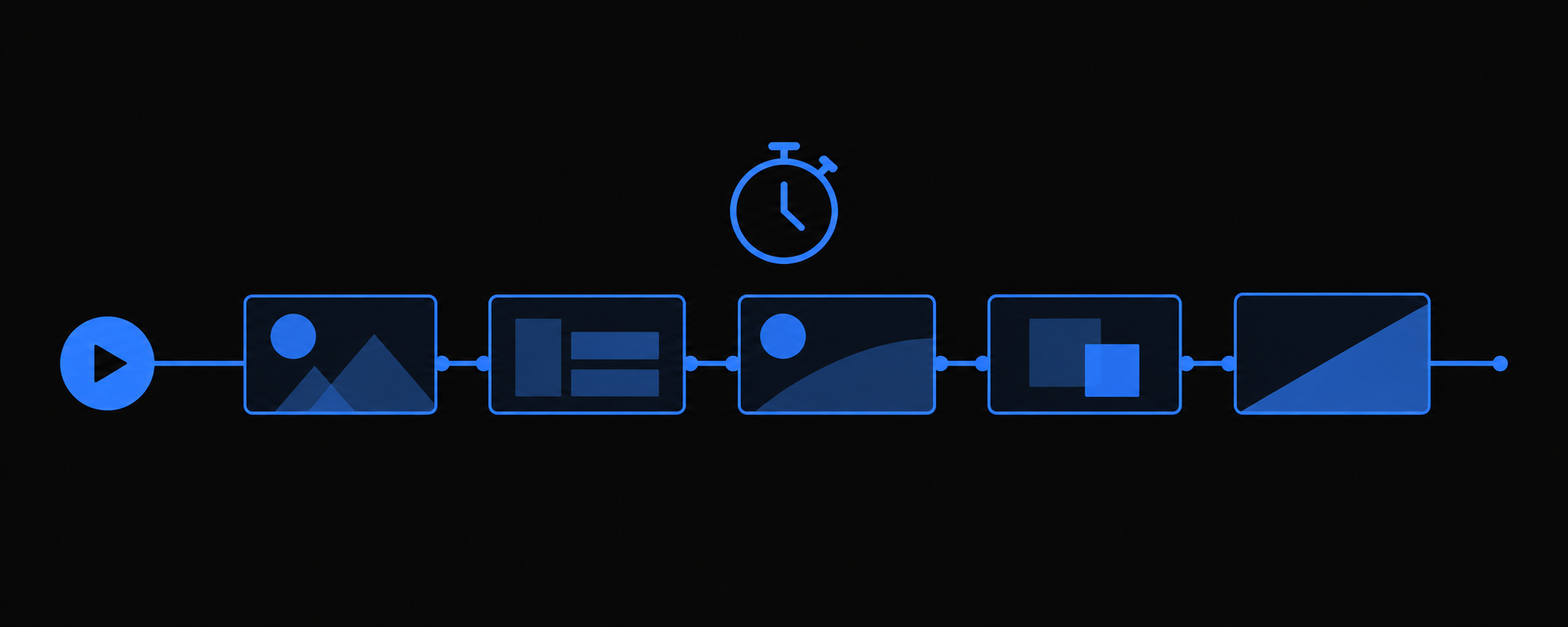
A good 90-second holiday video follows a simple arc: a warm open, a run of faces, a short recap, a thank-you and a clean close. The structure below works for most team montages and leadership-led cuts, and it gives an editor a clear skeleton to build from.
| Segment | Approx. seconds | What happens |
|---|---|---|
| Cold open | 0 to 8 | A person says one line on camera: "From all of us at [Company]…" |
| Faces run | 8 to 35 | Fast cuts of 8 to 12 employees each saying a short line or giving a wave |
| Year recap | 35 to 55 | Two or three milestones as simple graphics or lower thirds over b-roll |
| Leadership thank-you | 55 to 78 | The founder or CEO names specific contributions and says thank you |
| Closing message and end card | 78 to 90 | One line, logo, and a date for when the team returns or when the next event is |
A sample line for the leadership beat: "This was the year the support team answered every ticket during the migration, and the engineering team shipped on a date nobody believed. Thank you." It is specific, short and does not require any numbers you would then have to defend.
How do you collect footage from a remote team?
Ask for short, self-recorded phone clips with one prompt, one deadline and a few technical rules. Most holiday videos fail at collection, not at editing: half the clips arrive late, in portrait, in a noisy room. A clear request fixes most of that, and it is the part of the process our dedicated team onboarding is built around: footage in, a finished cut out.
- One prompt per person. For example: "Tell us one thing you are proud of this year" or "Say happy holidays in your own words."
- Landscape, steady, 10 to 15 seconds. Prop the phone on a stack of books; no handheld selfie-arm.
- Quiet room, light in front. A window facing the person is enough.
- One deadline, with a buffer. Tell people the date is a week earlier than it really is.
- An opt-out. Make participation voluntary and say so plainly.
Our team edits employee-recorded footage into a consistent, branded cut. We do not shoot footage ourselves, so if you want a polished leadership recording, book a local videographer for an hour and hand us the files.
How do you keep a holiday video inclusive and accessible?
Use seasonal, secular language, never imply that anyone must participate, and caption every word. Your audience includes people who celebrate different holidays and people who celebrate none.
On the legal side, the U.S. Equal Employment Opportunity Commission's page on religious discrimination explains that employers are expected to reasonably accommodate employees' religious beliefs and practices unless doing so would cause undue hardship (EEOC, checked October 24, 2026). A video is not an accommodation request, but the principle is a good editorial guide: do not make anyone's participation in a religious or cultural celebration a condition of belonging. This is general information, not legal advice, so check with HR or counsel if you operate in several jurisdictions.
Accessibility is the other half. The W3C Web Accessibility Initiative describes captions as a synchronized text version of speech and non-speech audio that gives Deaf and hard-of-hearing viewers access to the content, and it notes that automatic captions alone are not sufficient without review (W3C WAI, checked October 24, 2026). In practice: generate captions, then have a person read them against the audio. Names and company terms are where auto-captions fail first.
Can you use any holiday music?
No. Popular holiday songs are protected, and even a traditional carol can come with a protected recording, so using them in a company video without a license can create real exposure. U.S. copyright law gives the owner of a copyrighted work exclusive rights to reproduce it, to prepare derivative works and, for musical and audiovisual works, to perform it publicly (17 U.S.C. § 106, checked October 24, 2026). A branded video posted on LinkedIn or shown at an all-hands is a use that a rights holder could reasonably object to.
The safe routes are a paid stock-music license that covers business use, a commissioned track, or a library track whose terms you have read. YouTube's own Audio Library is one option, and YouTube states that music and sound effects from that library are copyright-safe, while noting that it is not responsible for issues with "royalty-free" tracks from other sources and that Creative Commons tracks may require credit in the description (YouTube Help, checked October 24, 2026). Whichever route you choose, keep the license or terms page saved with the project files. This is general information, not legal advice.
How long should it be, and where should it go?
Aim for 60 to 120 seconds for the master cut, and make shorter versions for social. Holiday content competes with everything else in people's inboxes that week.
| Channel | Suggested cut | Notes |
|---|---|---|
| All-hands or intranet | Full master cut (60 to 120 seconds) | Play it live, then post the file for people who missed it |
| Email to customers | 30 to 45 second cut with a still thumbnail | Link to a hosted page rather than attaching the file |
| 30 to 60 second cut, captions burned in | Post from a company or founder account; check the platform's current video specs | |
| YouTube | Master cut, unlisted or public | Upload at the recorded frame rate, using YouTube's recommended encoding settings |
YouTube's help page on recommended upload encoding settings lists the container, codec and frame-rate guidance and advises uploading at the frame rate the video was recorded in (YouTube Help, checked October 24, 2026). Export once to that spec and derive your social cuts from the same master.
What does a corporate holiday video cost?
The cost ranges from close to nothing, for a phone-recorded message with a free editor, to a real production budget, for a custom animation or a multi-location shoot. It depends on three things: how many people are on screen, whether you need graphics or animation, and how many review rounds you allow.
| Route | Who edits | Cost driver | Risk |
|---|---|---|---|
| DIY | Someone in marketing or HR | Their time, plus a stock-music license | Inconsistent quality; the project competes with year-end work |
| Freelance editor | One contractor | Hourly or per-project rate | Availability is thin in December; revisions are on one person |
| Agency or dedicated team | A team with a producer and editor | Project fee or monthly plan | Needs a clear brief up front |
For per-minute figures, our guide to video editing cost per minute covers market ranges, and our pricing page lists VEC's dedicated-team plans. If you already work with a dedicated team, a holiday video is simply another request in the queue rather than a separate engagement.
| VEC plan | Price per month | When a holiday video fits |
|---|---|---|
| Growth | $5,000 | The holiday video is one of a handful of monthly deliverables |
| Core | $9,500 | You want the master cut plus social and customer cut-downs in the same month |
| Scale | $16,000 | You run a high-volume program and the holiday video is one project among many |
VEC does post-production only: we edit footage you or your crew provide, with no shooting and no 3D work. For a look at the kind of results our clients get from that model, see our case studies.
When should you start?
Start five to six weeks before the day you want the video live. If you are reading this in early November, you have enough time for a comfortable December send-off. Work backwards from your publish date:
| When (before publish) | Task | Owner |
|---|---|---|
| 5 to 6 weeks | Pick the audience and format; draft the one-line message; get leadership time on the calendar | Marketing or people lead |
| 4 weeks | Send the clip request with prompt, tech rules and deadline | Coordinator |
| 3 weeks | Record the leadership thank-you; chase missing clips | Leadership and coordinator |
| 2 weeks | Send all footage and the script to the editor; confirm music license | Coordinator |
| 1 week | First cut, one consolidated feedback round, captions checked | Editor and approver |
| 2 to 3 days | Final export, cut-downs, scheduled sends | Editor and marketing |
The timings are planning guidance for a typical team, not a benchmark. If you have fewer than three weeks, switch to the leadership message or the animated greeting, both of which need less footage collection.
What mistakes ruin corporate holiday videos?
Five mistakes are common in corporate holiday videos, and all of them are avoidable with a brief and a deadline.
- Making it an ad. The holiday window is a goodwill moment. Save the offer for another email.
- Too many messages. Pick one closing line and cut everything that competes with it.
- Using unlicensed music. A recognizable song is the fastest way to get a takedown notice.
- Skipping captions. Many viewers watch muted, and some need captions to follow at all.
- Leaving out people who did not volunteer. If participation is optional, say so; if the video relies on a few extroverts, the montage will show it.
Frequently Asked Questions
What should a corporate holiday video include?
A genuine thank-you, real faces from the team, a short look back at the year, one clear closing message, a light branded touch and captions. Keep it to roughly one to three minutes and avoid turning it into a sales pitch.
How long should a corporate holiday video be?
Plan on 60 to 120 seconds for the master cut, with 30 to 45 second versions for email and social. Shorter is usually better because holiday content competes with every other message that week.
Can we use a popular holiday song?
Not without a license. Popular songs and most commercial recordings are copyrighted, and a branded video is not a safe place to test it. Use a licensed stock track, a commissioned piece or a library track whose terms you have read, and keep the license on file.
How do you make a holiday video inclusive?
Use seasonal, secular wording, make participation voluntary, show a range of people, and caption the whole video. Avoid imagery or language that assumes everyone celebrates the same holiday. This is general guidance, not legal advice.
Can a video editing team make a holiday video from employee clips?
Yes. VEC edits footage you provide, including phone clips and a leadership recording, into a branded cut with captions, music and cut-downs. We do not shoot footage, so if you need a polished on-camera recording, a local videographer can capture it and send us the files. See our plans for how dedicated teams work.
Sources checked October 24, 2026
Need a Holiday Video Edited by Mid-December?
Send us your clips and a one-paragraph brief, and our dedicated editing team will turn them into a captioned, branded master cut and the social versions. Talk to us about how a dedicated team would fit your year-end schedule.
Book a Free Strategy Call See Pricing