What Should an Insurance Explainer Video Cover?
An insurance explainer video should cover who the cover is for, what it pays for, what it does not, what it costs and how to take the next step, in plain language and usually in under two minutes. It is a short animated or motion-graphics film that turns policy language into a story a non-specialist can follow.
Key Takeaways
- Cover five things in order: the person and the risk, what the cover pays for, what it does not, how the money works (premium, deductible, limits) and what to do next.
- Define terms once, with a picture. Premium, deductible and claim are the words viewers think they know and often do not.
- Say the exclusions out loud. A video that only shows the happy path creates complaints and compliance headaches later.
- Treat compliance as part of the script. Disclosures, actor-portrayal notes and approved wording are cheaper to write in than to patch after animation.
- Carriers, brokers and agents need different cuts. One master script can feed all three if you plan the variants before production.
Table of Contents
- What Is an Insurance Explainer Video?
- Which Insurance Concepts Does the Viewer Need Explained?
- What Order Should the Script Follow?
- Do Carriers, Brokers and Agents Need Different Videos?
- How Do You Keep an Insurance Video Compliant?
- How Long Should It Be and Where Should It Live?
- Should You Animate It or Film It?
- How Much Does an Insurance Explainer Video Cost?
- How Do You Brief a Production Team?
- FAQ
What Is an Insurance Explainer Video?
An insurance explainer video is a short film, usually 2D animation or motion graphics, that explains a policy, a claims process or a coverage decision to someone who is not an insurance professional. It is made by or for carriers, brokers, agencies and managing general agents, and it lives on quote pages, policy portals, onboarding emails and sales decks.
This guide is about the video a carrier or broker puts in front of buyers and policyholders. If you sell software to insurers, that is a different job with a different audience, and our guide to video production for InsurTech companies covers it. The two overlap on one point: insurance is invisible until something goes wrong, so the video has to make an abstract promise concrete.
The format also differs from the general explainer. A SaaS explainer video can end on "start a free trial". An insurance explainer usually ends on a decision the viewer will live with for a year, which raises the bar on clarity, tone and accuracy. For a feel of the wider genre, our explainer video examples roundup shows how other teams handle structure and pacing.
Which Insurance Concepts Does the Viewer Need Explained?
The viewer needs the handful of terms that decide what they pay and what they get back, each defined once in one sentence and one image. Government consumer pages use exactly this approach. HealthCare.gov defines a deductible as the amount you pay for covered services before your plan starts to pay, with a worked example (a $2,000 deductible means you pay the first $2,000 of covered services yourself), and it defines a premium as the amount you pay for your insurance every month (deductible and premium glossary entries, checked October 24, 2026).
Borrow that pattern: one definition, one number, one picture. The table below maps the terms most explainers need to a visual treatment that works without narration.
| Concept | What the viewer must understand | Visual that works |
|---|---|---|
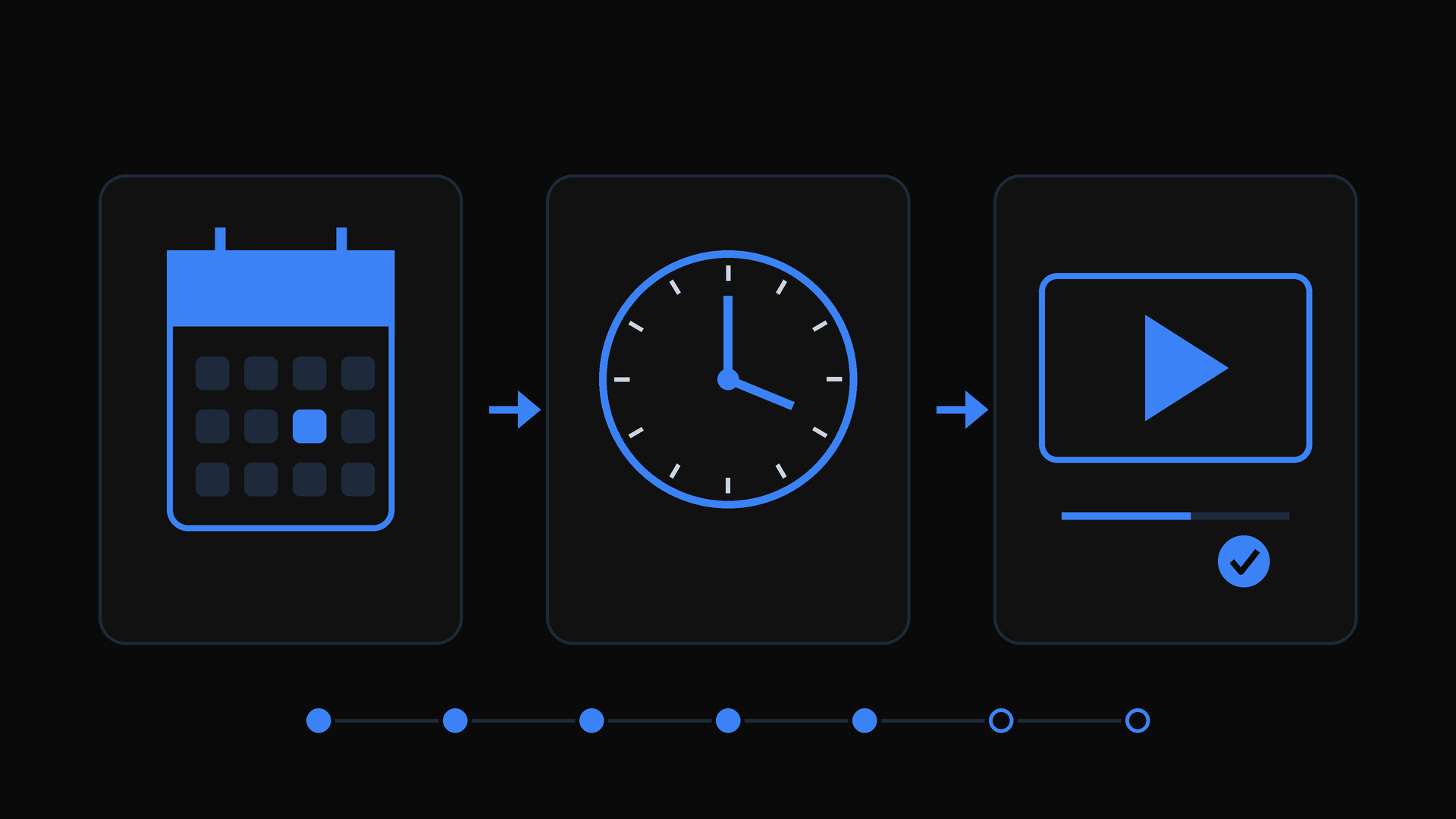
| Premium | The recurring price of keeping the cover active | A calendar tick with a coin leaving a wallet each period |
| Deductible | The share the policyholder pays first, before the insurer pays | A fill-up bar: the first segment is yours, the rest is the insurer's |
| Limit | The ceiling on what the policy will pay | A line across a stack of costs, with anything above it greyed out |
| Exclusion | What the policy does not cover, in plain examples | A short "not covered" scene that matches a real claim situation |
| Claim | The steps from incident to payout | A simple left-to-right path with three or four stations |
| Renewal | What changes, and when, at the end of the term | A timeline loop with the review point highlighted |
Pick the three or four terms your own customers misunderstand most, and cut the rest. Claims and service teams already know which ones: they are the questions that fill the inbox. A video that explains six terms thinly teaches nothing; one that explains three clearly gets watched to the end.
What Order Should the Script Follow?
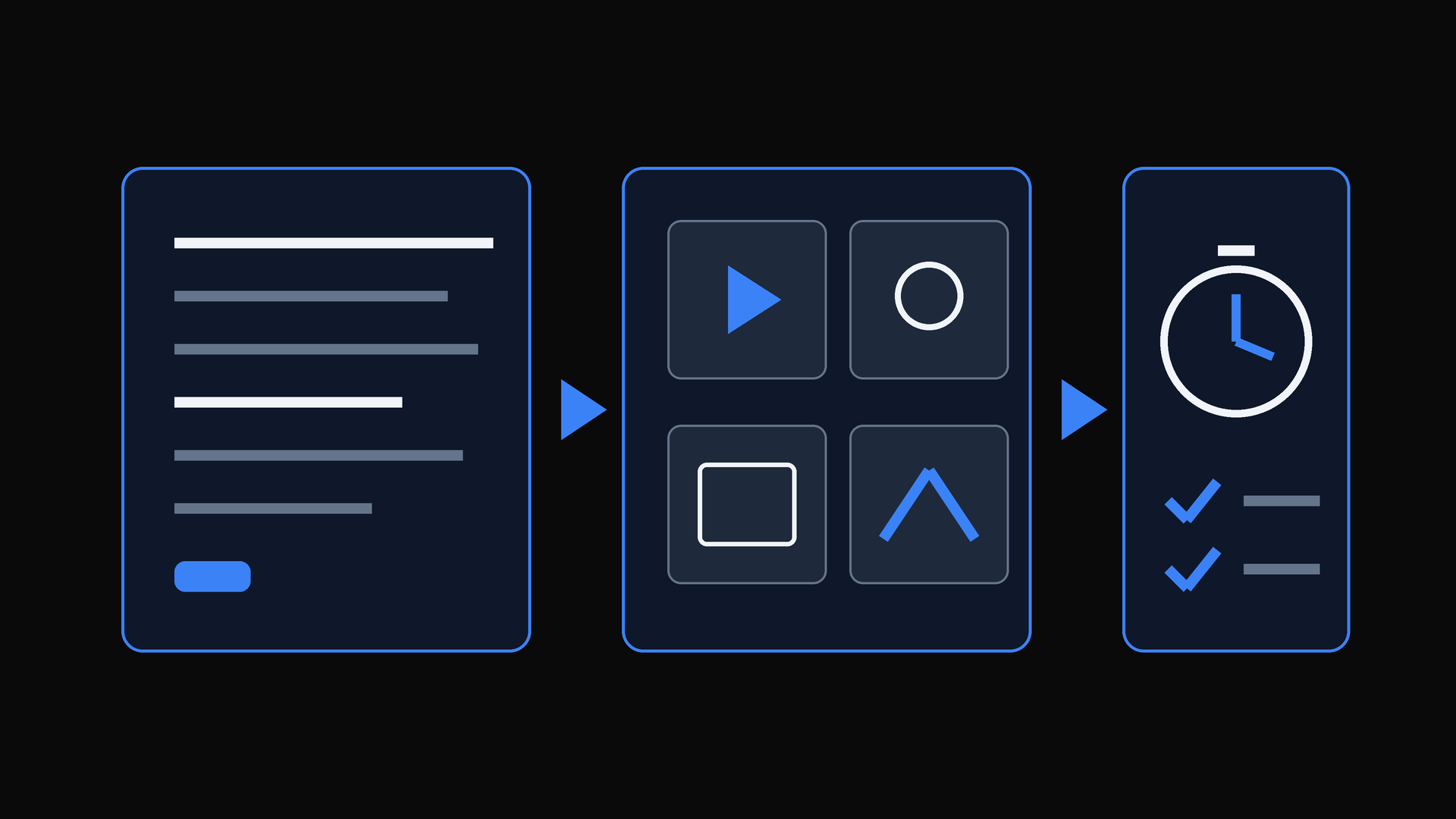
The script should follow the order of the viewer's questions, not the order of the policy document. In practice that is five beats, and each one earns its place by answering a question the viewer would otherwise carry into a phone call.
- Who is this for, and what risk are they facing? Name a person and a situation: a first-time homeowner, a small-fleet owner, a family comparing health plans. The opening should let the right viewer say "that is me" within five seconds.
- What does it pay for? Show two or three realistic covered events. Specific beats general, so a burst pipe says more than "property damage".
- What does it not pay for? Give the main exclusions the same screen time as the benefits. This is the beat most videos skip and the one that prevents the most misunderstanding.
- How does the money work? Premium, deductible and limit, using the visuals above. If the exact figures vary by quote, show a clearly labelled illustration rather than a real price.
- What happens next? One action: get a quote, speak to an adviser, download the policy wording. Add the contact route and any required licence or disclosure text.
Keep the narration to roughly the pace of a calm adviser, because a rushed voice-over reads as evasive in a category where trust is the product. Leave a beat of silence after the exclusions; it signals that you are not hiding them.
Do Carriers, Brokers and Agents Need Different Videos?
Yes, because each one sells a different promise to a different viewer, and the same master script can serve all three if you plan variants early. The distinction below is editorial guidance from how teams scope these projects, not a benchmark.
| Publisher | Who watches | What the video must emphasise | Typical placement |
|---|---|---|---|
| Carrier | Prospects and existing policyholders | Product clarity, claims process, brand trust | Product pages, policy portal, onboarding emails |
| Broker | Business owners comparing options | Advice and choice: how you compare markets and what you do for the client | Quote request page, LinkedIn, sales follow-up |
| Independent agent | Local individuals and families | Who you are, how a conversation works, what happens at claim time | Local landing page, Google Business profile, social |
| MGA or specialty underwriter | Brokers who place risk with you | Appetite, submission process, turnaround | Broker portal, email to the distribution list |
A carrier video about a policy and a broker video about advice should not be the same film with a different logo. If you are running several of these, the practical route is a shared visual system and a library of reusable scenes, so a new product video becomes an edit instead of a fresh build. That is how a dedicated team model works in practice, and you can see how we structure it on our how it works page.
How Do You Keep an Insurance Video Compliant?
Write compliance into the script, not onto the finished video. Insurance advertising is regulated, the rules vary by country, state and product, and a video is an advertisement in the regulator's eyes. Your compliance team or counsel owns the answer for your product; the job of the video team is to leave room for it.
Medicare Advantage marketing in the United States shows how specific the rules can get. Under 42 CFR 422.2262, plan communications may not mislead or confuse beneficiaries, may not use the word "free" to describe a $0 premium, and, where a testimonial uses an actor to portray a real or fictitious situation, must state that it is an actor portrayal (42 CFR 422.2262, checked October 24, 2026). CMS publishes its own marketing guidance and model materials for these plans on its managed care marketing page (checked October 24, 2026). Other lines of business have their own regimes, so treat this as an example of the level of detail to expect, not as a universal checklist.
Some habits hold across most lines of insurance:
- Use approved wording for claims about cover. Have compliance sign off the script before storyboards, and again on the final cut.
- Label illustrations as illustrations. A sample premium or a sample payout is an example, not an offer.
- Disclose material connections in testimonials. The FTC's Endorsement Guides in 16 CFR Part 255 expect endorsements to reflect honest opinions and require disclosure of material connections between the endorser and the advertiser (16 CFR Part 255, checked October 24, 2026).
- Avoid outcome promises. "You will be paid quickly" is a promise; "here is how a claim works" is a description.
- Keep version control. Record which approved script each cut was built from, because a regulator may ask.
Regulated sectors share many of these constraints, and our guide to video for regulated fintech walks through a review workflow that adapts well to insurance. The core idea is the same: build the review steps into the schedule so approval does not become the bottleneck on launch day.
How Long Should It Be and Where Should It Live?
Aim for 60 to 120 seconds for the main explainer and cut 15 to 30 second versions for social and email. That range is a common working target among production teams rather than a measured rule, so test it against your own audience. The right length is whatever it takes to cover the five beats once; if the script runs longer than two minutes, you probably have two videos.
Placement matters as much as length. The same film plays differently in each spot:
- Quote or product page: the main cut, placed near the top, with captions on by default.
- Policy portal or welcome email: a "how your policy works" version aimed at people who have already bought. This cut lowers inbound questions rather than raising conversion.
- Claims page: a stand-alone "what happens after you report a claim" video. Viewers arrive stressed, so keep it calm and short.
- Social and sales follow-up: short cutdowns that carry one idea each.
Captions are not optional. Many people watch with the sound off, and the W3C accessibility guidance explains how to caption and transcribe audio-video content so it works for people who cannot hear it (W3C captions guidance, checked October 24, 2026). For an insurance video the benefit is double: accessibility and a written record of exactly what was said.
Should You Animate It or Film It?
Animate it when the subject is abstract, filmed when the subject is people. Insurance is mostly abstract: risk, probability, terms and timing. Animation and motion graphics let you show a deductible filling up or a claim moving through stages, which a camera cannot. Live action earns its place for adviser introductions and genuine customer stories.
Animation also helps with compliance. Stock characters in a scripted scenario avoid the use of real people's likenesses, and a scene can be changed in an edit when approved wording changes, without a reshoot. Our animation vs live action cost comparison sets out the trade-offs in more detail.
One scope note: VEC works in 2D animation, motion graphics and post-production. We do not shoot on location and we do not build 3D. If your plan needs a filmed adviser segment, you can bring that footage and we will edit it into the system.
How Much Does an Insurance Explainer Video Cost?
Cost depends mostly on style, finished length and how many revision and compliance rounds you need. Quotes in the market run from low four figures for simple motion graphics to well beyond ten thousand dollars for custom character animation; treat any single number as a starting point for your own quotes, not a rate card. Our explainer video cost breakdown goes through each cost driver in detail.
| Cost driver | Pushes cost up when | Keeps cost down when |
|---|---|---|
| Style | Custom characters and scene-by-scene illustration | Templated icons and motion graphics over a brand system |
| Length | Several minutes, many products | One product, 60 to 120 seconds, with short cutdowns |
| Script | Technical policy detail needing heavy rewriting | Approved wording supplied at the start |
| Review | Several stakeholders approving in sequence | One named approver and a single consolidated feedback round |
| Variants | Separate videos for each audience or state | A master film with swappable scenes and end cards |
If you will produce more than one video a year, a one-off price is the wrong frame. Product lines, regions and audiences multiply quickly, and so do updates when terms change. VEC's dedicated-team plans run $5K, $9.5K and $16K per month and cover a stream of videos rather than a single project; the details are on our pricing page. For a one-off film with no follow-on work, a per-project studio may be the better fit, and we say so on discovery calls.
How Do You Brief a Production Team?
Give the team six things in writing before work starts, and most of the avoidable revision rounds disappear.
- The audience and the product. One role and one policy or process, not "customers".
- The approved script or key messages. If compliance has already signed off wording, supply it.
- The must-include terms. The three or four concepts from the table above that your customers get wrong.
- The exclusions to state. Agreed in advance, so nobody argues about them in review.
- Placements and variants. Where each cut will run, including any state or region differences.
- The approver and the deadline. One name, one consolidated round of feedback.
Teams that want to see how a dedicated editing team handles a brief like this can start with our case studies, which show the kind of recurring video programmes we run.
Frequently Asked Questions
What should an insurance explainer video cover?
It should cover who the cover is for, what it pays for, what it does not pay for, how premium, deductible and limits work, and the next step. Putting the exclusions on screen alongside the benefits is the part most videos skip and the part that reduces later complaints.
How long should an insurance explainer video be?
About 60 to 120 seconds for the main film, with 15 to 30 second cutdowns for social and email. If the script cannot cover the five beats in two minutes, split it into two videos rather than speeding up the voice-over.
Do insurance explainer videos need compliance approval?
Almost always. Insurance advertising is regulated, and the rules vary by country, state and product. Medicare Advantage communications under 42 CFR 422.2262, for example, bar misleading statements and require an actor-portrayal disclosure in certain testimonials. Ask your compliance team or counsel to approve the script before animation starts and the final cut before it publishes.
Is animation or live action better for explaining insurance?
Animation usually fits better, because the subject is abstract and an animated scene can show a deductible filling up or a claim moving through stages. It is also easier to update when approved wording changes. Live action works well for adviser introductions and real customer stories.
How much does an insurance explainer video cost?
Market quotes run from low four figures for simple motion graphics to well above ten thousand dollars for custom animation, driven by style, length, script complexity and review rounds. VEC's dedicated-team plans are $5K, $9.5K and $16K per month and suit teams producing several videos a year.
Planning an Insurance Explainer Video?
Send us the audience, the product and the terms your customers get wrong, and we will tell you honestly whether a dedicated 2D and motion-graphics team is the right fit, how long it should take and what it would involve.
Book a Free Strategy Call See Pricing