
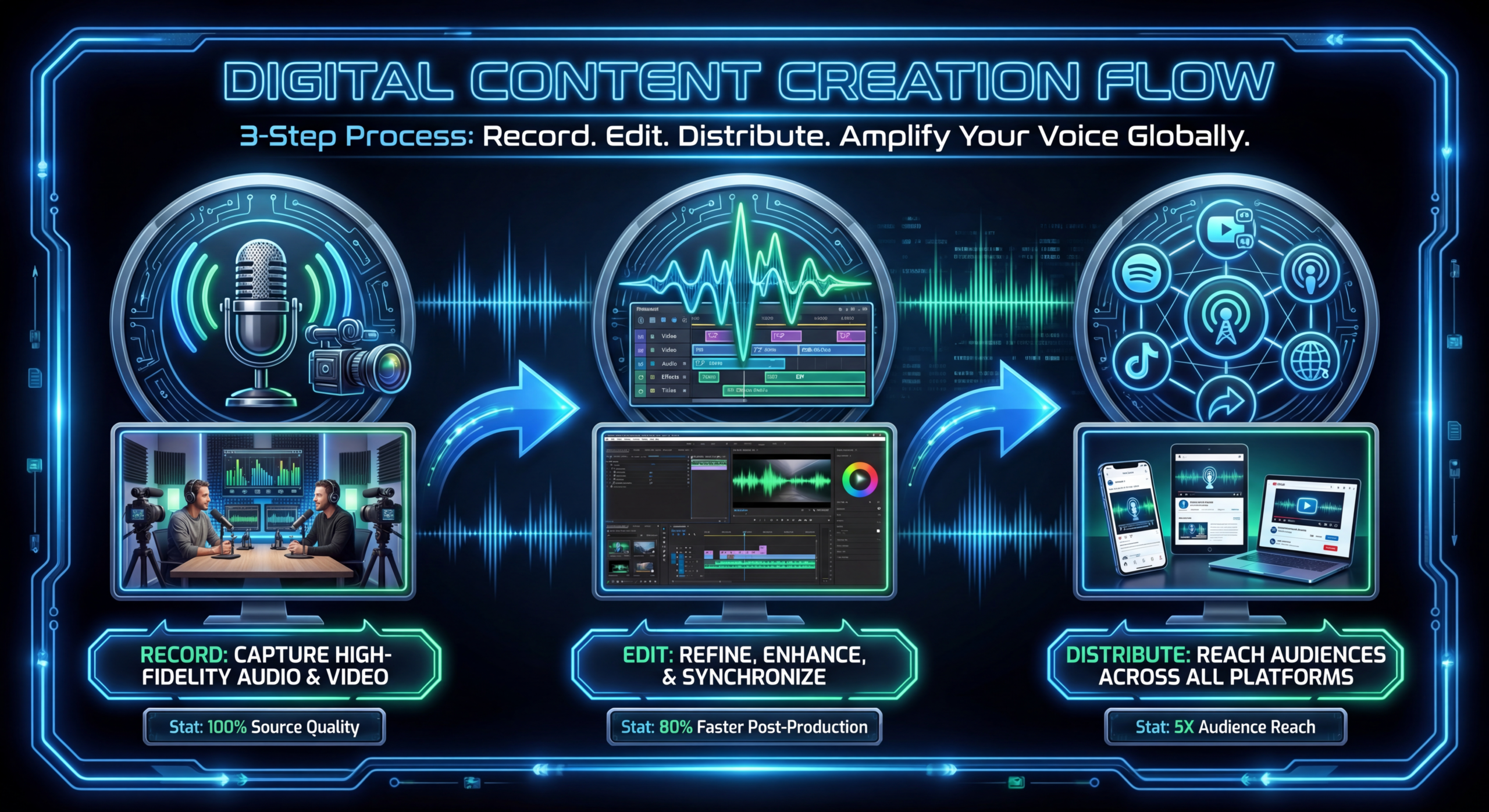
Podcast Video Production: How to Record, Edit & Distribute
Audio-only podcasts are leaving money on the table. In 2026, 73% of weekly podcast listeners also watch video podcasts on YouTube, according to Edison Research. The shift to video podcasting isn't a trend — it's the new standard. SaaS companies running audio-only shows are missing the platform where B2B buyers are most active: YouTube.
But "just add cameras" isn't a strategy. Video podcasting requires different recording setups, editing workflows, and distribution approaches than audio-only production. Get it wrong and you end up with unflattering webcam footage that hurts your brand more than it helps.
This guide covers everything a B2B SaaS company needs to produce a professional video podcast: studio setup, recording workflow, editing process, multi-platform distribution, and the repurposing strategy that turns every episode into 10+ content assets.
Table of Contents
Why Video Podcasting Wins for B2B SaaS
Three forces make video podcasting the highest-leverage content format for SaaS companies in 2026:
YouTube Distribution
YouTube is the world's largest podcast discovery platform. More people discover new podcasts on YouTube than on Apple Podcasts or Spotify combined. A video podcast unlocks YouTube's recommendation algorithm, search traffic, and the ability to create YouTube Shorts — none of which are available to audio-only shows.
Deeper Trust Building
Seeing faces builds trust faster than hearing voices alone. When your CEO or VP of Marketing has a 30-minute video conversation with a customer or industry expert, viewers develop parasocial familiarity that translates into warmer sales conversations. Prospects who've watched your podcast feel like they already know your team.
Clip-Based Social Content
A single podcast episode generates 5-10 short video clips for LinkedIn, Instagram Reels, YouTube Shorts, and TikTok. These clips are the highest-performing short-form content format for B2B because they feature real conversations, not scripted marketing messages. Audio-only podcasts can produce audiograms, but they perform 3-5x worse than video clips on social platforms.
Studio Setup: Budget to Premium
Essential Elements (Any Budget)
- Clean background: A bookshelf, branded backdrop, or clean office wall. Avoid distracting clutter, windows behind you (backlighting), and virtual backgrounds (they look amateurish on video podcasts).
- Eye-level camera: Camera should be at eye level, not looking up from a laptop webcam. A simple tripod or monitor arm solves this.
- Three-point lighting: Key light (main, slightly to one side), fill light (softer, opposite side), and optional backlight (behind, creating depth separation). This eliminates the flat, unflattering look of ring lights alone.
- Quality microphone: This is non-negotiable. Audio quality is more important than video quality for podcast viewers. A USB condenser mic or dynamic mic positioned 6-8 inches from the speaker.
Video Podcast Setup by Budget
- Logitech Brio 4K webcam
- Blue Yeti or AT2020 USB mic
- Elgato Key Light Air
- Desk mic arm
- Acoustic panels (4-6)
- Sony A6400 or ZV-E10 camera
- Shure SM7B or Rode PodMic
- Rodecaster Pro audio interface
- 2-3 panel LED lights
- Acoustic treatment + backdrop
- Sony A7IV + 2nd angle camera
- Pro audio setup + mixer
- Custom set design
- Teleprompter for intros
- Dedicated recording room
Remote Recording: Making It Look Professional
Most B2B podcasts feature remote guests. Here's how to make remote recordings look and sound professional.
Platform Choice
Don't use Zoom for podcast recording. Zoom compresses video and audio quality significantly. Use a platform designed for podcast recording that captures each participant locally in full quality:
| PLATFORM | LOCAL RECORDING | SEPARATE TRACKS | MAX QUALITY | PRICE |
|---|---|---|---|---|
| Riverside.fm | ✅ | ✅ Audio + Video | 4K video | $24/month |
| SquadCast | ✅ | ✅ Audio + Video | 4K video | $20/month |
| Zencastr | ✅ | ✅ Audio only | 1080p video | $20/month |
| Descript | ✅ | ✅ Audio + Video | 4K video | $24/month |
Guest Preparation
Send guests a pre-recording checklist at least 48 hours before the session:
- Use a quiet room with minimal echo (avoid large open spaces)
- Position camera at eye level (stack books under laptop if needed)
- Use headphones or earbuds (prevents audio echo and bleed)
- Face a window or light source (never have a window behind you)
- Use wired internet if possible (Ethernet > WiFi for stability)
- Close unnecessary apps to reduce CPU load
The Recording Workflow
Pre-Recording (15 minutes before)
- Test audio levels and camera framing for all participants
- Do a 30-second test recording and play it back to check quality
- Brief the guest on format, expected duration, and key topics
- Start local recording on all tracks before beginning the conversation
During Recording
- Record longer than needed: A 45-minute raw recording yields a 30-minute edited episode. Don't try to be perfect — your editor will cut dead air, ums, and tangents.
- Leave 3-second pauses between topics: This gives your editor clean cut points.
- Note timestamps for great moments: If the guest says something quotable, note the time. This speeds up the clip selection process dramatically.
- Record a separate intro/outro: Your branded intro and outro should be pre-recorded and added in post-production, not recorded live.
Post-Recording (Within 24 Hours)
- Download all local recordings (video + audio) from the platform
- Transfer raw files to your editing team or shared workspace
- Send a brief note with timestamp highlights and any sections to cut
- Send a thank-you email to the guest with estimated publish date
Editing for Video Podcast
Video podcast editing is fundamentally different from standard video editing. Here's what your editing workflow should include.
Audio-First Editing
Start with audio. Clean up levels, remove background noise, normalize volume between speakers, and cut dead air. Audio is 70% of the viewing experience for podcasts — even on video platforms, people will tolerate mediocre video but not bad audio.
Multi-Camera Switching
Even with just two camera feeds (one per participant in a remote recording), your editor should dynamically switch between speakers based on who's talking. Add occasional split-screen or side-by-side moments during back-and-forth exchanges. This camera switching keeps the visual experience engaging throughout a 30-45 minute episode.
Visual Enhancements
- Lower thirds: Speaker name and title cards that appear when someone starts speaking
- Topic cards: On-screen text announcing new topics or segments
- Data overlays: When a stat or data point is mentioned, display it on screen
- B-roll inserts: Relevant images, screenshots, or stock footage to illustrate points (optional but adds production value)
- Subtitles: Always include captions — many viewers watch with sound off initially
Branded Elements
- Animated intro (5-10 seconds) with podcast name, logo, and music
- Consistent color treatment and framing across all episodes
- End screen with subscribe CTA, next episode teaser, and website URL
- Thumbnail template that maintains brand consistency while varying per episode
Multi-Platform Distribution Strategy
A video podcast should live on multiple platforms to maximize reach. Each platform requires slightly different formatting.
| PLATFORM | FORMAT | OPTIMIZATION |
|---|---|---|
| YouTube | Full episode + chapters | SEO title, description, custom thumbnail, end screens |
| Spotify (Video) | Full episode with video | Spotify now supports video podcasts — upload via Spotify for Podcasters |
| Apple Podcasts | Audio only (extracted) | Standard podcast metadata, show notes with links |
| Short clips (60-90s) | Native upload, subtitles, text hook, speaker tags | |
| YouTube Shorts | Vertical clips (30-60s) | Strong hook, subtitles, hashtags |
| Website | Embedded YouTube + show notes | Blog post format with transcript for SEO |
Publishing Timeline
- Day 0: Publish full episode on YouTube + Spotify + Apple Podcasts
- Day 1: Post first clip on LinkedIn + YouTube Shorts
- Day 3: Post second clip on LinkedIn
- Day 5: Publish blog post with embedded episode + transcript
- Day 7: Post third clip + newsletter mention
Repurposing: 10+ Assets Per Episode
Every podcast episode is a content repurposing goldmine. Here's the minimum set of assets per episode:
1 Episode → 12 Content Assets
This isn't theoretical. A SaaS company publishing one podcast episode per week and repurposing systematically produces 50+ pieces of content per month from just 4 recordings. That's the content output of a 3-person marketing team from a single format.
Equipment Guide by Budget
What Matters Most (In Order)
- Audio quality — invest here first. A $100 mic upgrade matters more than a $500 camera upgrade.
- Lighting — good lighting makes a webcam look professional. Bad lighting makes an expensive camera look amateur.
- Camera quality — 1080p minimum. 4K is ideal for cropping and Shorts creation.
- Acoustic treatment — echo is the most common audio problem. Even 4-6 foam panels make a dramatic difference.
- Background/set design — last priority but still matters. A clean, branded background builds credibility.
Need Professional Podcast Video Editing?
We handle multi-camera editing, clip creation, subtitles, branded elements, and multi-platform distribution for B2B podcast shows. You record — we make it look and sound incredible.
Book a Free Strategy Call See PricingFrequently Asked Questions
Do I need a video podcast, or is audio-only fine?
If your primary distribution channel is YouTube or LinkedIn, video is essential. If your audience primarily listens on Apple Podcasts during commutes, audio-only works. For B2B SaaS, where LinkedIn and YouTube are the main discovery platforms, video podcasting delivers significantly more reach and repurposing opportunities than audio alone.
How long should a B2B podcast episode be?
25-45 minutes is the sweet spot for B2B. Under 20 minutes feels thin and doesn't provide enough depth to justify the format. Over 60 minutes tests even the most interested viewer's patience. For YouTube specifically, the 20-35 minute range typically has the best audience retention metrics.
How often should we publish podcast episodes?
Weekly is the gold standard for audience building and algorithm consistency. Biweekly is the minimum viable frequency — less than that and you lose momentum and listener habit. If resources are constrained, a seasonal approach (12 episodes over 12 weeks, then a break) can work well.
Should we hire a production company or do it in-house?
Most B2B SaaS companies handle recording in-house and outsource editing, clip creation, and distribution. Recording requires your team's participation anyway. Post-production is pure execution work that a dedicated video editing team handles more efficiently and cost-effectively than internal resources.
How do we find guests for a B2B podcast?
Start with your existing network: customers, partners, investors, and industry peers. Then use LinkedIn to identify subject-matter experts in your space. Most B2B professionals are happy to appear on podcasts — it's free content marketing for them. Reach out with a clear description of your audience, topics, and the value they'll get from appearing.
What's the total cost per episode for a quality video podcast?
DIY production + outsourced editing runs $500-$1,500 per episode (editing, clip creation, distribution). Fully outsourced production (studio, host prep, editing, distribution) runs $2,000-$5,000 per episode. The DIY + outsourced editing model offers the best cost-to-quality ratio for most SaaS companies.
📋 Video Production Workflow Template
Streamline your podcast video production with our workflow template — covers pre-production checklists, recording protocols, editing specifications, and distribution schedules.
Download the Free Template →Start Your Video Podcast This Month
Video podcasting is the most efficient content format for B2B SaaS companies. One recording session per week generates a full YouTube episode, an audio podcast, 3-5 social clips, a blog post, and quote graphics — enough content to fuel your entire marketing operation.
Start simple: record a conversation with a customer or industry peer using Riverside.fm, get it professionally edited, and publish on YouTube. Iterate on quality and format as you build momentum. The companies that launch their video podcast now will have a 50+ episode library by the end of the year — and that library is an asset no competitor can replicate.
Need help with the editing and post-production? See how our dedicated teams work or explore our monthly plans for ongoing podcast video editing.

