
Your team spent two weeks producing a killer 30-minute webinar. It went live, got decent views, and now it sits on YouTube collecting digital dust. Sound familiar? The truth is, most B2B SaaS companies are sitting on a goldmine of repurposable video content—and leaving 90% of its value on the table.
Social media video editing isn't just about cutting clips shorter. It's a systematic process of extracting, reformatting, and optimizing your long-form content for every platform your buyers actually spend time on. Companies that master this don't just save time—they 10x their content output without 10x-ing their production budget.
In this guide, we'll break down the exact framework for turning one long-form video into dozens of short-form pieces—complete with platform specs, editing techniques, and a repeatable workflow your team can start using this week.
Let's talk numbers. The average B2B SaaS company produces 2-4 long-form videos per month. Webinars, product demos, founder interviews, customer stories. Each one takes 10-20 hours of combined planning, filming, and editing time.
Without repurposing, that's 2-4 pieces of content. With a systematic repurposing workflow, that same footage becomes 30-50 pieces. The production cost per piece drops by 80-90%.
12.4x
Average content multiplication factor when B2B companies implement systematic video repurposing. That's 12+ pieces from every long-form video.
But it's not just about volume. Each platform has a different audience behavior pattern. Your CMO prospect might watch a 2-minute LinkedIn clip during their commute, then search for the full webinar later. Repurposing creates multiple touchpoints across the buyer journey without creating from scratch each time.
Here's what the data shows:
The companies winning at video aren't producing more—they're extracting more from what they already have. And that starts with understanding what each platform needs.
Every platform has its own rules. Getting the technical specs wrong means your content gets deprioritized by algorithms or looks unprofessional to viewers. Here's the definitive comparison for social media video editing in 2026:
| Spec | YouTube Shorts | TikTok | Instagram Reels | LinkedIn Video |
|---|---|---|---|---|
| Aspect Ratio | 9:16 | 9:16 | 9:16 | 1:1 or 9:16 |
| Resolution | 1080×1920 | 1080×1920 | 1080×1920 | 1080×1080 / 1080×1920 |
| Max Length | 3 min | 10 min | 3 min | 15 min (native) |
| Sweet Spot | 30-60s | 21-34s | 15-30s | 30-90s |
| Max File Size | 256 MB | 287 MB | 4 GB | 5 GB |
| Captions | Auto + manual | Auto + manual | Auto + manual | SRT upload |
| Safe Zone | Top 10%, bottom 20% | Top 10%, bottom 25% | Top 10%, bottom 20% | Minimal |
| B2B Audience | Growing | Emerging | Moderate | ★★★★★ |
Key takeaway: LinkedIn is the highest-intent platform for B2B, but YouTube Shorts drives the most discovery volume. A smart repurposing strategy covers all four.
Each platform overlays UI elements (like/comment buttons, descriptions, profile info) on your video. If your key content—especially captions and speaker faces—falls in these zones, viewers miss it. Professional social media video editing accounts for safe zones in every export.
Repurposing isn't about slapping a crop on your 16:9 footage and calling it done. Each platform has its own editing language. Here's what actually works:
Here's the exact workflow our dedicated teams use to turn one long-form video into 12+ pieces of content:
AI-generate transcript → identify top 8-12 quotable moments, data points, and hot takes
Match each highlight to best-fit platforms based on content type, audience, and format
Edit each clip with platform-specific crops, captions, pacing, safe zones, and hooks
Write platform-optimized captions, hashtags, and CTAs for each piece
Export in correct specs per platform → load into scheduling tool → stagger publish dates
Most teams try to do this ad-hoc—grabbing random clips and posting them wherever. That's not repurposing. That's recycling. The difference is intentional optimization for each platform's algorithm and audience behavior.
Our Growth, Core, and Scale plans all include systematic repurposing as a core deliverable—because we've seen it produce the highest ROI of any video service we offer.
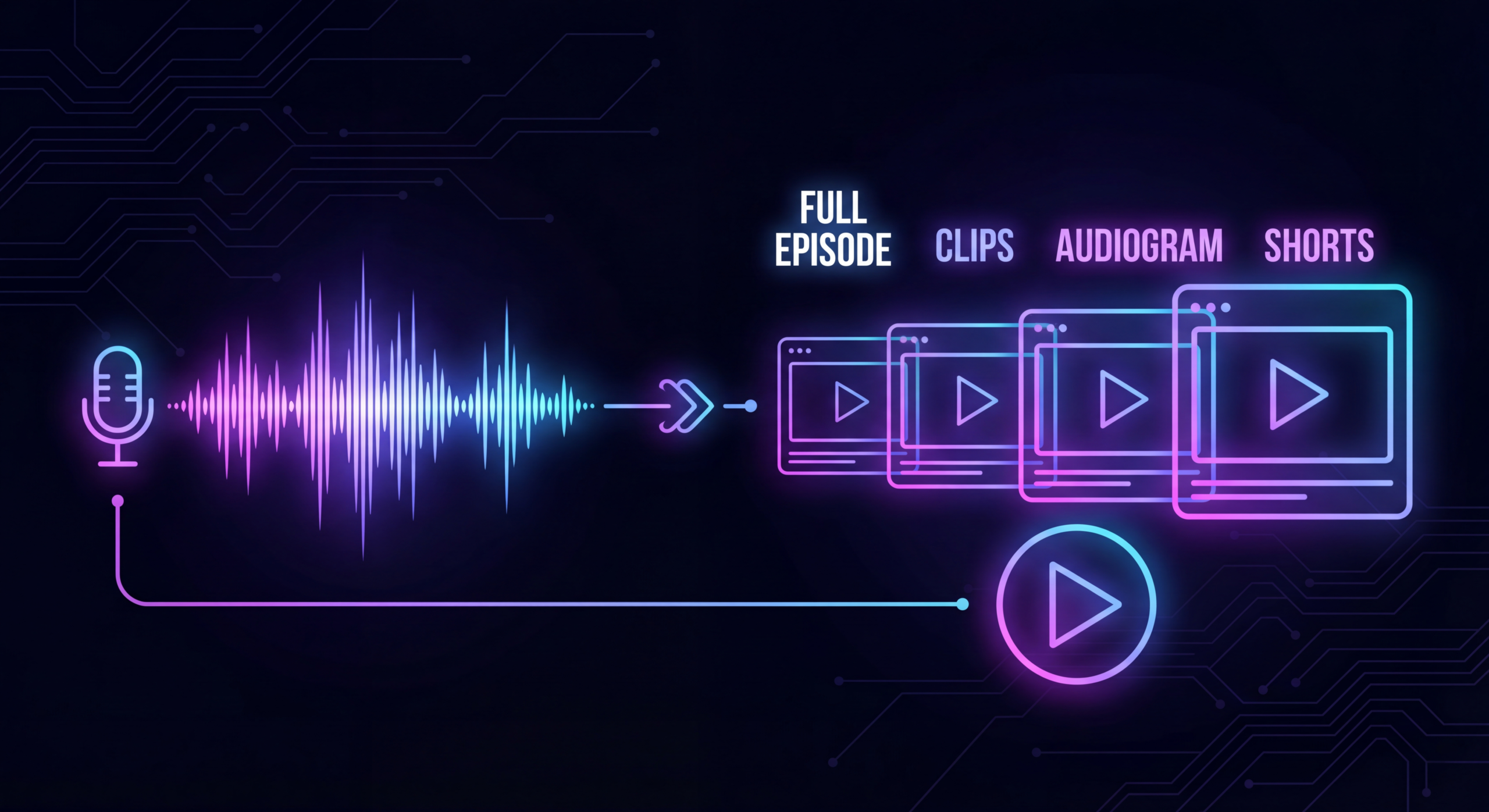
Here's what one 30-minute long-form video becomes with systematic repurposing:
= 45-68 pieces of content
From a single recording session
This isn't theoretical. Our clients at VEC regularly hit these numbers. The key is having a dedicated team that knows the system—not starting from scratch with a new freelancer every month.
Understanding algorithm priorities helps you edit more effectively. Here's what each platform's algorithm weights most heavily for short-form video distribution:
What this means for your editing: YouTube Shorts needs maximum retention hooks (fast cuts, visual variety). LinkedIn needs conversation starters (ask questions, share contrarian takes). TikTok rewards using native effects and sounds. Instagram wants aesthetic consistency.
Getting your aspect ratios right is the foundation of social media video editing. Here's a quick visual reference:
Pro tip: When filming your source content, frame your subject in the center third of the 16:9 frame. This ensures clean crops to any vertical or square format without losing the speaker.
The right tools make repurposing scalable. Here's what we recommend based on team size and budget:
That said, tools don't solve the strategy and execution problem. You still need editors who understand platform algorithms, pacing, and B2B audience psychology. That's why many scaling SaaS companies move from DIY tools to dedicated editing teams—the output quality and speed isn't comparable.
You can't improve what you don't measure. Here are the metrics that actually matter for repurposed video content across platforms:
The benchmark: B2B SaaS companies with systematic repurposing workflows publish 40-60 video pieces per month from just 4-6 source recordings. Their cost per piece averages $45-85 compared to $500-2,000 for net-new production.
When you work with a dedicated team, these metrics are tracked and reported as part of the service—so you see exactly how repurposing compounds over time.
An interactive matrix showing exactly which content formats work on which platforms—with specs, optimal lengths, and editing notes for each combination. Stop guessing. Start systematically multiplying your content.
Used by 200+ B2B SaaS marketing teams
Get the Free Matrix →Our dedicated editing teams turn your long-form content into a stream of platform-optimized short-form videos. Every plan includes systematic repurposing—because it's where the highest ROI lives.
✓ Double your video output in 90 days—or month 4 is free
See Repurposing Plans → or Book a Free Strategy Call See PricingTypically 8-15 short-form clips per 30-minute source video, depending on content density. A webinar with multiple topics yields more clips than a single-topic product demo. With additional derivative content (audiograms, quote cards, blog posts), one video can generate 40-60+ pieces total.
No. Each platform has different specs, audience expectations, and algorithm preferences. The same highlight should be re-edited with platform-specific pacing, captions, aspect ratios, and hooks. Cross-posting identical content underperforms platform-native edits by 40-60% on average.
9:16 vertical is the dominant format for short-form (YouTube Shorts, TikTok, Instagram Reels). For LinkedIn, 1:1 square outperforms vertical in the feed. Always film source content in 16:9 with center-framed subjects so you can crop to any ratio cleanly.
DIY with AI tools costs $50-200/month in subscriptions but requires significant team time. Freelancers charge $25-75 per clip. Dedicated teams like VEC include repurposing in retainer plans starting at $5K/month—which covers strategy, editing, captions, and multi-platform optimization for your entire content library.
Not necessarily, but your editors need to understand the nuances of each platform. The most efficient model is a dedicated team that specializes in multi-platform repurposing—they develop templates and workflows for each platform so the process is fast and consistent. That's exactly how our teams operate.
With a proven system and dedicated team, a 30-minute source video can be fully repurposed into 12-15 platform-optimized clips within 2-3 business days. Without a system, most teams spend 2-3 weeks on the same output—if they get to it at all.