What Are the Main Types of Corporate Videos?
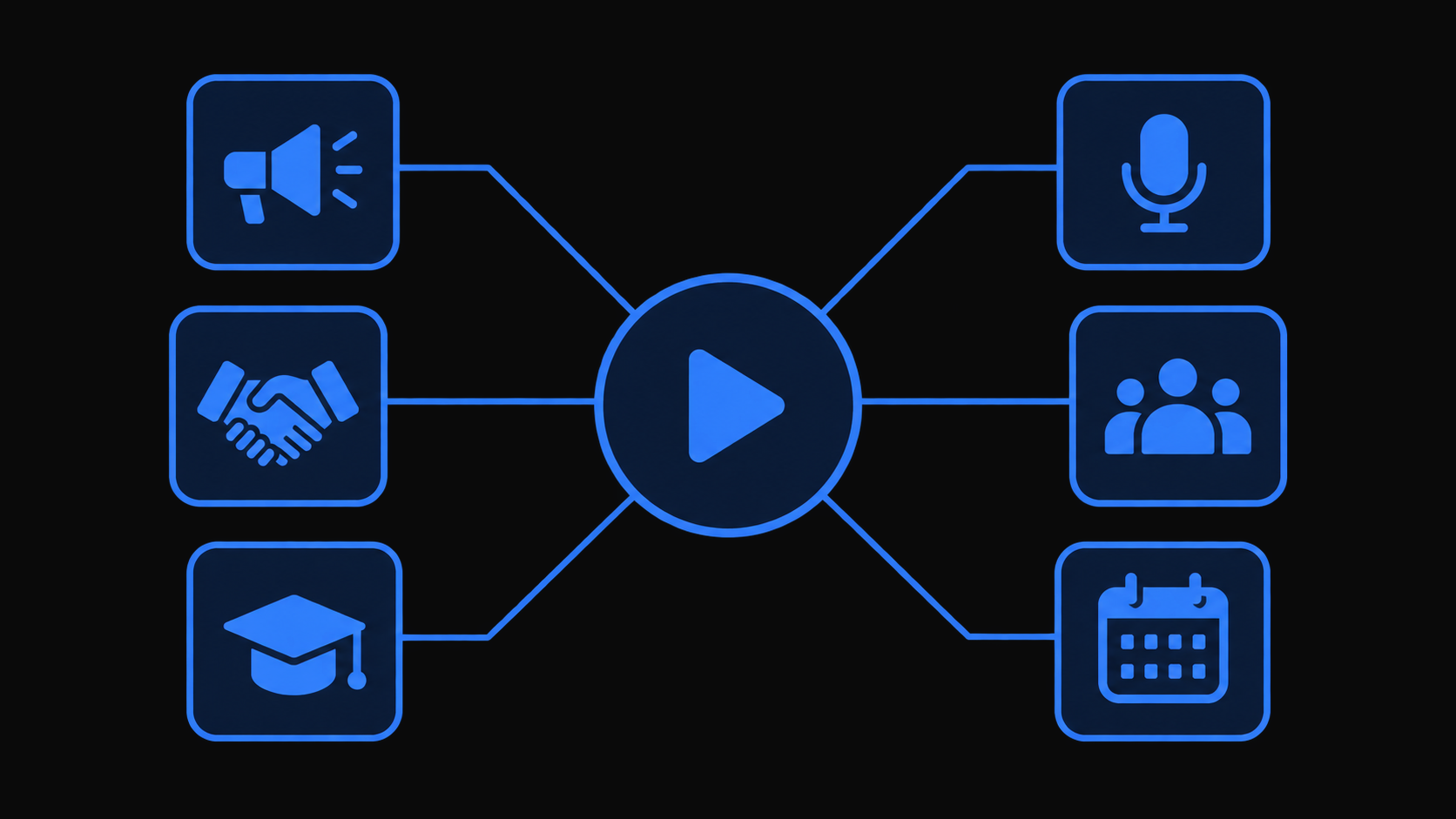
The main types of corporate videos fall into five groups, each doing one job for one audience: brand and company videos, product and sales videos, customer-proof videos, people and culture videos, and training, event and internal videos.
Key Takeaways
- Pick the type by the job, not the format. Wistia's production guide says every video should address a business challenge, talk to a specific audience and have a clear goal. The five groups below map to five jobs: introduce, convince, reassure, recruit and teach.
- Each group has a natural home. Brand and recruitment videos live on your website and careers page, demos and explainers on product pages and in sales emails, testimonials on case-study pages, and training videos in your LMS or help center.
- Length follows the type. Our length guide puts website and social cuts at 60 to 90 seconds, overviews at 2 to 4 minutes and training modules well beyond that, so decide the home before you decide the runtime.
- Most types start from footage. Interviews, screen recordings, webinars and events all need editing. VEC edits footage you supply; we do not shoot or build 3D.
- Sources were checked on October 25, 2026. Guidance and platform specs change, so confirm before you brief a vendor.
Written by the VEC Editorial Team, a dedicated video editing company for B2B SaaS teams. We edit these videos for a living, which shapes what we recommend.
Table of Contents
- What are the main types of corporate videos?
- Which corporate videos introduce your company?
- Which corporate videos help close a deal?
- What do customer-proof videos need to get right?
- Which corporate videos attract and keep people?
- What are training, event and internal videos for?
- How do you choose the right type of corporate video?
- How long should each type be, and where does it live?
- Who makes each type: shoot, animate or edit?
- What is a sensible first set for a B2B SaaS team?
- FAQ
What are the main types of corporate videos?
There are five groups, and every common corporate video belongs to one of them. Grouping by job is more useful than a flat list of twenty formats, because the job decides the audience, the length, the script and where the video is published. The table lists each group, the videos inside it and who watches.
The Five Groups of Corporate Video at a Glance
| Group | Videos in it | Main viewer | Job it does |
|---|---|---|---|
| Brand and company | Brand film, company overview, about-us, founder story | Prospects, investors, press | Explain who you are and why you exist |
| Product and sales | Product demo, explainer, launch video, sales-enablement clip | Buyers comparing options | Move a prospect toward a decision |
| Customer proof | Customer testimonial, case study video | Late-stage buyers and their committees | Reduce the perceived risk of choosing you |
| People and culture | Recruitment, employer brand, culture, leadership message, purpose film | Candidates, employees, community | Attract and keep the right people |
| Training, event and internal | Onboarding, product training, compliance, internal update, event recap | Employees, customers, attendees | Teach, align and extend a live event |
This guide is the decision layer. For twelve worked examples with a cost range for each, read our Corporate Video Examples: 12 Types (+ Cost) guide. Use this page to work out which group your problem sits in, then use that page to see what the finished video looks like.
Which corporate videos introduce your company?
Four formats introduce a company: the brand film, the company overview, the about-us video and the founder story. All four answer "who are you?" for someone who has never dealt with you, so they sit on the homepage, the about page, investor decks and event screens.
- Brand film. A values-led piece about why the company exists. It is the most expensive to shoot and the least tied to a single product, so it suits companies with a clear point of view and a budget to match.
- Company overview. A two-to-three-minute explanation of what you sell, to whom and why it matters. It is the workhorse of this group and the one most B2B SaaS teams need first.
- About-us video. A shorter, people-led version that shows the team behind the product. It builds trust on pages where a buyer is deciding whether you look like a real, stable company.
- Founder story. The founder explains the problem they set out to solve. It works best for early-stage companies where the founder is still part of most sales conversations.
The common mistake is making a brand film when an overview would do the job. If a prospect needs to understand your product in two minutes, an overview with a clear structure beats a cinematic piece with no explanation.
Which corporate videos help close a deal?
Product demos, explainers, launch videos and sales-enablement clips help close deals because they answer the questions a buyer asks while comparing options. They live on product pages, in outbound and nurture emails, in sales decks and on your YouTube channel, and they are the group most B2B SaaS teams produce at the highest volume.
- Product demo. A screen recording with voice-over that shows the product doing a real task. Our product demo video production guide covers the workflow from recording to finished cut.
- Explainer. A short, usually animated piece that explains a concept or problem before showing the product. Atlassian's Loom team describes an explainer as often only two to three minutes long and stresses that explainers are not how-tos or tutorials (Atlassian, checked October 25, 2026).
- Launch video. A clip that announces a feature or release, built to be cut into a social teaser, an email header and a changelog embed from the same footage.
- Sales-enablement clip. A 60-to-90-second answer to one objection or one feature, sent by a rep after a call. These are the cheapest videos to make and the easiest to measure, because a rep can tell you whether they got a reply.
If you sell software, this group is where a steady editing program pays back fastest, because every release creates new material. Our SaaS video production guide explains how teams keep that flow going without hiring in-house.
What do customer-proof videos need to get right?
Customer-proof videos need to be specific, honest and properly disclosed. They come in two forms: the testimonial, where a customer speaks in their own words, and the case study video, which follows a problem, a solution and a result. Both belong on case-study pages, pricing pages and in late-stage sales emails, where a buyer is looking for a reason to trust you.
Specificity does the work. A customer who names the problem they had, the team that adopted the product and what changed is more credible than a general compliment. Our case studies show the written equivalent of that structure.
Disclosure is the part teams forget. The FTC's Endorsement Guides say that when a connection between the endorser and the seller might materially affect how much weight the endorsement gets, it must be disclosed (16 CFR 255.5, checked October 25, 2026). If a customer received a discount, a gift or payment for appearing on camera, say so on screen or in the description, and ask your legal counsel for the exact wording.
Which corporate videos attract and keep people?
Recruitment, employer brand, culture, leadership message and purpose videos attract and keep people. Candidates, new hires and existing employees are the audience, and the careers page, job listings, LinkedIn and the internal portal are the homes. These videos work when they show real people doing real work, and they fail when they look like an advertisement for a company nobody recognizes.
- Recruitment and employer brand. Shows what a day in a role looks like and what the team cares about. It should answer what a candidate wants to know before applying, not repeat the job description.
- Culture video. A look at how the team works together. Raw, lightly edited footage usually feels more authentic than a polished piece.
- Leadership message. A short update from a founder or executive, recorded regularly. The value is consistency, not production polish.
- Purpose or CSR film. A story about the company's contribution beyond its product. It is the least tied to revenue, so keep it modest unless the commitment is real and documented.
Treat this group as an ongoing program rather than a one-off. A single culture video goes stale in a year, while a steady flow of short team clips keeps the careers page fresh.
What are training, event and internal videos for?
Training, event and internal videos exist to teach, align and extend a live event. They are the largest group by volume in most companies and the least glamorous, but they save the most repeat effort: a good onboarding video replaces a presentation someone would otherwise give every month.
- Onboarding and product training. Walks new hires or new customers through a task. Break long material into short modules so people can find the step they need.
- Compliance and policy. Covers material people are required to watch. Chapter markers and a written transcript make it easy to revisit.
- Internal communications. Updates, town halls and announcements. Our guide to internal communications video covers how to make these formats ones employees actually watch.
- Event recap. A highlight reel plus clipped sessions from a conference or webinar. One day of footage can become a recap, several session clips and a batch of social cuts.
Captions matter more here than anywhere else, because many people watch internal videos on mute or need them for accessibility. The W3C's Web Accessibility Initiative describes captions as a text version of the speech and non-speech audio, written for people who are Deaf or cannot hear the audio, and it has a section explaining that automatic captions alone are not sufficient (W3C WAI, checked October 25, 2026). Ask any editor you hire whether captions are reviewed by a person and whether they are included in the price.
How do you choose the right type of corporate video?
Choose by starting with the single outcome you want in the next quarter, then pick the one type that serves it. The mistake is starting with a format ("we need a brand video") and working backward to a reason. Wistia's guide frames the same idea: each video should speak to a specific audience about a specific business challenge with a clear goal (Wistia, checked October 25, 2026). The table pairs common goals with a type, a first metric and a home.
Match the Goal to the Type of Corporate Video
| If your goal is to… | Start with | First thing to measure | Where it lives |
|---|---|---|---|
| Explain what you do to cold visitors | Company overview | Plays and demo requests from the page | Homepage, about page |
| Help a trial user understand the product | Product demo | Activation rate for viewers vs. non-viewers | Product page, onboarding emails |
| Win a stalled deal | Case study video or sales clip | Replies and meetings booked | Sales email, deal room |
| Fill a hard-to-hire role | Recruitment video | Application rate from the careers page | Careers page, LinkedIn |
| Cut repeat questions | Training or how-to video | Support tickets on that topic | Help center, LMS |
| Get more from an event | Event recap and session clips | Views from non-attendees | Website, YouTube, LinkedIn |
Notice that each row names a measurement you can take with tools you already own. A video with no way to tell whether it worked will be hard to defend at the next budget review.
How long should each type be, and where does it live?
Length and home follow the type, and you should settle both before the script is written. Our guide to how long a corporate video should be gives the full reasoning; the table below condenses its ranges as working targets, not rules.
Working Length Targets by Type (from VEC's length guide)
| Type | Working length | Primary home |
|---|---|---|
| Website hero or brand cut | 60–90 seconds | Homepage, landing page |
| Company overview, product overview | 2–4 minutes | Product page, email |
| Explainer | 90 seconds–2 minutes | Homepage, LinkedIn |
| Testimonial | 90 seconds–3 minutes | Case-study page, sales decks |
| Case study video | 3–5 minutes | Case-study page |
| Culture or employer brand | 2–3 minutes | Careers page, LinkedIn |
| Training or onboarding module | 5–15 minutes | LMS, help center |
| Social cut from a longer video | 15–60 seconds | LinkedIn, YouTube Shorts |
Two practical specs are worth knowing before you hand a file to anyone. LinkedIn's video ad specifications list 16:9 landscape, 1:1 square, 4:5 vertical and 9:16 vertical as supported aspect ratios, so plan the safe area for each cut (LinkedIn Marketing Solutions Help, checked October 25, 2026). YouTube publishes recommended upload encoding settings for web delivery (YouTube Help, checked October 25, 2026).
Who makes each type: shoot, animate or edit?
Every type needs one of three kinds of work, and knowing which one tells you what to hire. Footage-based videos need a crew to shoot and an editor to finish. Screen-based videos need a recording and an editor. Animated videos need a motion designer. The table shows where each type usually falls and what VEC does.
Production Method by Type of Corporate Video
| Method | Types that usually use it | What it needs | VEC's role |
|---|---|---|---|
| Filmed with people | Brand film, testimonial, culture, recruitment, event recap | A crew or your own recordings, then editing | Edit footage you supply; we do not shoot |
| Screen-recorded | Product demo, training, how-to | A screen capture, a script, voice-over | Edit, caption and polish the recording |
| Recorded live | Webinar, town hall, conference session | A recording of the session | Clip, caption and repurpose |
| Animated | Explainer, launch teaser, purpose film | A motion designer or animation studio | Edit and finish; we do not build 3D |
VEC is a dedicated post-production team: a fixed group of editors working for your account on a flat monthly plan, with the Growth, Core and Scale tiers on our pricing page costing $5,000, $9,500 and $16,000 per month. If you already record demos, webinars, interviews and events, how it works shows how onboarding and turnaround run. If you need someone to film or animate from scratch, pair a production partner with an editor rather than expecting one vendor to do both well.
What is a sensible first set for a B2B SaaS team?
A sensible first set is one video from each of the three groups that touch revenue, in an order that matches your sales cycle. You do not need all five groups in the first quarter. Start where a viewer is closest to a decision and work outward.
- A product demo. It is the most reusable asset: it fits the product page, trial emails and sales follow-ups.
- A customer testimonial or case study video. Ask your best-fit customer first, and film it during a call you already have scheduled.
- A company overview. Once the demo and proof exist, an overview ties them together on the homepage.
- A recurring internal or recruiting clip. Add this when a hiring need or a repeat-question problem appears.
After the first set, build the cadence. A steady flow of short cuts from each recording session usually does more than one polished piece a year, and it is the pattern a dedicated editing team is built for.
FAQ
What are the main types of corporate videos?
Corporate videos fall into five groups: brand and company videos, product and sales videos, customer-proof videos, people and culture videos, and training, event and internal videos. Each group does a different job for a different audience.
Which type of corporate video should a B2B SaaS company make first?
Start with a product demo, then add a customer testimonial or case study video. These two are the closest to a buying decision and are reusable across your website, email and sales follow-ups.
What is the difference between a corporate video and a marketing video?
A marketing video is made to promote a product or service. A corporate video is broader and also covers recruitment, training, internal communications and events. Many companies use the terms loosely, so define the job and the audience before briefing a vendor.
How long should a corporate video be?
It depends on the type and where it lives. Website and social cuts usually work at 60 to 90 seconds, overviews and testimonials at roughly 2 to 4 minutes, and training modules can run longer because viewers opt in to the detail. See our guide to corporate video length for the reasoning.
Does VEC film corporate videos?
No. VEC provides dedicated post-production teams only. We edit, caption and repurpose footage you supply, and we do not offer filming or 3D animation.
Need a Team to Edit Your Corporate Videos?
VEC provides dedicated video editing teams with flat monthly plans and no long-term commitment. Book a free strategy call and we will tell you which types to start with and how much output your plan can cover.
Book a Free Strategy Call See VEC Pricing