
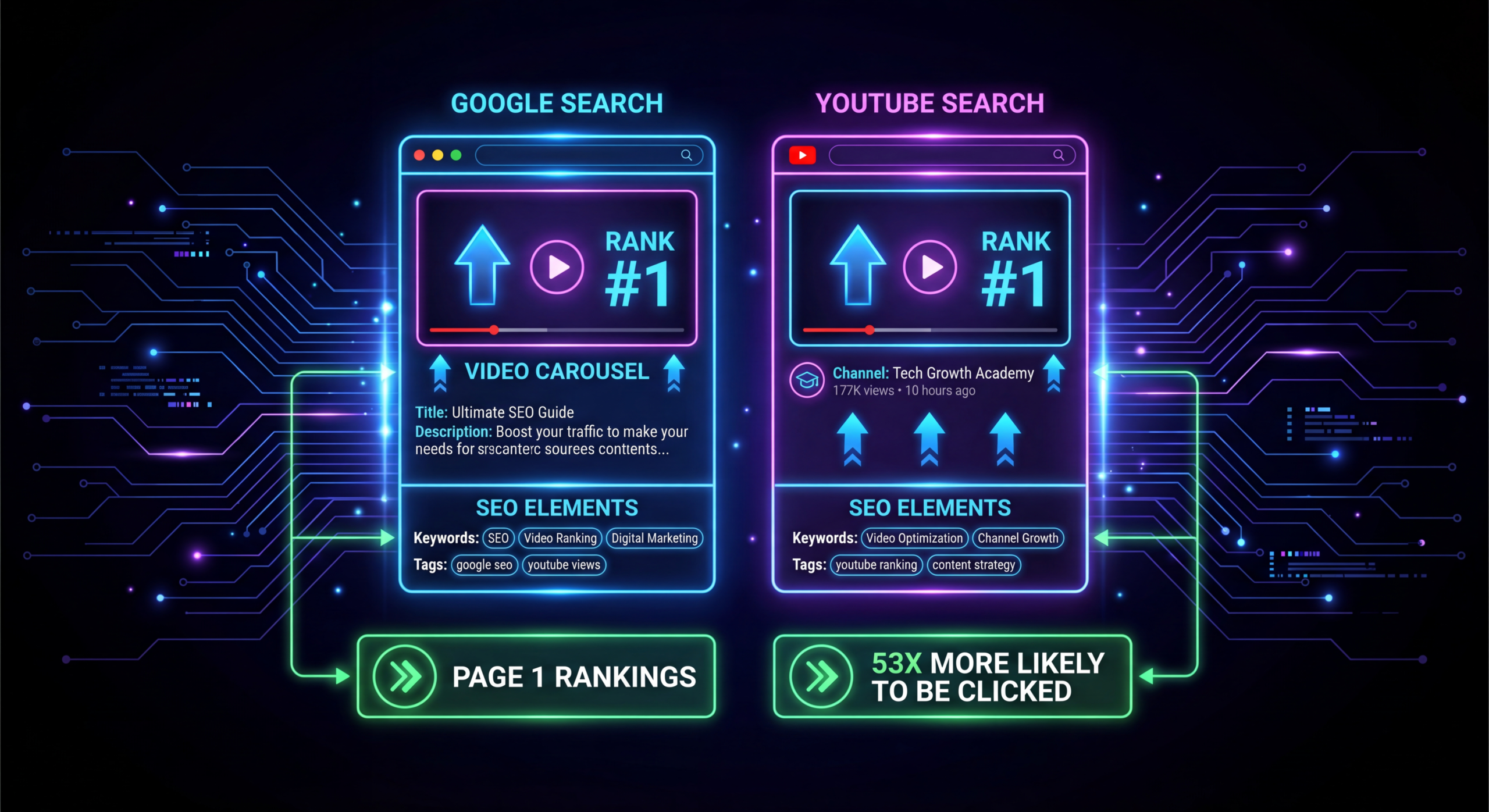
Video SEO: How to Rank SaaS Videos on Google & YouTube
You spent $8,000 producing a product explainer video. It's beautifully shot, the messaging is tight, the CTA is compelling. You upload it to YouTube, embed it on your website, share it on LinkedIn. Two weeks later: 127 views. Most of them from your own team.
The problem isn't your video quality. It's your video SEO strategy — or, more accurately, the lack of one. Video SEO for SaaS companies operates on different rules than traditional blog SEO. You're competing across two search engines simultaneously (Google and YouTube), targeting a niche B2B audience, and trying to rank content that Google can't read the way it reads text.
This guide breaks down the complete video SEO playbook for SaaS companies in 2026: how to research video keywords, optimize for both Google and YouTube, leverage video schema markup, and build the signals that push your videos to the top of search results. Every tactic here is specific to B2B SaaS — no generic "add keywords to your title" advice.
Table of Contents
- Why Video SEO Matters for SaaS Companies
- Video Keyword Research for B2B SaaS
- YouTube Optimization: The Complete Checklist
- Getting Videos Into Google Search Results
- Video Schema Markup & Technical SEO
- Thumbnail Strategy for B2B Click-Through Rates
- Distribution Signals That Boost Rankings
- Video SEO Analytics: What to Track
- 7 Video SEO Mistakes SaaS Companies Make
- FAQ
Why Video SEO Matters for SaaS Companies
Google shows video results for 62% of all search queries, according to a Semrush study. For SaaS-specific queries like "how to automate invoice processing" or "CRM demo," that number climbs even higher. If your videos aren't optimized, you're invisible in the format buyers increasingly prefer.
Here's what makes video SEO uniquely valuable for SaaS:
- Google Video Carousels: Video results appear above traditional organic results for many SaaS queries. Ranking here means jumping above competitors who only have blog posts.
- YouTube as the Second Search Engine: YouTube processes 3+ billion searches per month. Your prospects are searching for product comparisons, how-tos, and reviews on YouTube before they ever visit your website.
- Featured Snippets with Video: Google increasingly pulls video clips as featured snippets for "how to" queries, giving you position-zero visibility.
- Higher Engagement Signals: Pages with embedded videos see 2.6x more time-on-page, which feeds back into your overall domain SEO performance.
The Dual-Platform Challenge
SaaS video SEO is harder than standard video SEO because you're optimizing for two different algorithms simultaneously. YouTube's algorithm optimizes for watch time, session duration, and engagement. Google's algorithm cares about relevance, structured data, and page authority. A video that ranks well on YouTube might not appear in Google video results at all, and vice versa. Your strategy needs to address both.
Video Keyword Research for B2B SaaS
Video keyword research differs from blog keyword research in one critical way: you need to target queries where Google already shows video results. Not every keyword triggers the video carousel. Targeting a keyword without video intent means your video won't appear in Google results regardless of how well it's optimized.
Step 1: Find Video-Trigger Keywords
Search your target keywords on Google and look for video carousels or video tabs. If Google shows video results for a query, it has video intent. Keywords that typically trigger video results for SaaS include:
- "How to [use/set up/configure/migrate] [product/category]"
- "[Product] demo" or "[Product] walkthrough"
- "[Product A] vs [Product B]"
- "Best [software category] for [use case]"
- "[Software category] tutorial"
- "What is [technical concept]" (explainer queries)
Step 2: YouTube Suggest Mining
Type your seed keyword into YouTube's search bar and note the autocomplete suggestions. These are actual queries people search on YouTube. Use tools like TubeBuddy, VidIQ, or even the free YouTube autocomplete to build a list. Focus on suggestions with clear B2B intent — filter out consumer-level queries.
Step 3: Competitor Video Audit
Identify 5-10 SaaS competitors who actively publish on YouTube. Sort their videos by most-viewed. These topics have proven search demand. Note: high view counts on competitor channels can come from ads or social, so cross-reference with YouTube search to confirm organic demand.
Video Keyword Opportunity Matrix
Step 4: Map Keywords to Video Types
Different keywords require different video formats. A "how to" keyword needs a tutorial. A "vs" keyword needs a comparison. A "demo" keyword needs a product walkthrough. Matching keyword intent to the right video format is the single biggest factor in ranking.
| KEYWORD PATTERN | VIDEO FORMAT | IDEAL LENGTH | GOOGLE VIDEO? |
|---|---|---|---|
| How to [task] | Tutorial / walkthrough | 5-12 min | High probability |
| [Product] demo | Product demonstration | 3-8 min | High probability |
| [A] vs [B] | Side-by-side comparison | 8-15 min | Medium probability |
| Best [category] | Listicle / roundup | 10-20 min | Medium probability |
| What is [concept] | Explainer | 3-6 min | High probability |
| [Product] review | Honest review | 8-15 min | Medium probability |
YouTube Optimization: The Complete Checklist
YouTube's algorithm weighs these factors when ranking videos in search results. Optimize each one systematically.
Title Optimization
Your primary keyword should appear in the first 60 characters of your title. YouTube truncates titles at ~60 characters on most devices. Front-load the keyword, then add a compelling hook. Examples:
- Good: "CRM Demo: How HubSpot vs Salesforce Actually Compare (2026)"
- Bad: "We Compared Two Popular CRM Tools and Here's What We Found"
Description Optimization
YouTube's description field allows 5,000 characters. Use them strategically:
- First 2-3 lines: Primary keyword + compelling summary (this is what shows in search results before "Show more")
- Timestamp chapters: Add timestamps for every major section. YouTube uses these for "key moments" in search results and for clip suggestions.
- Links: Link to your relevant landing page, related videos, and lead magnet
- Transcript excerpt: Include a partial transcript with natural keyword mentions
Tags (Still Matter, Slightly)
YouTube tags have reduced influence, but they still help YouTube understand your video's topic. Use 5-8 tags: your primary keyword, 2-3 variations, your brand name, and 1-2 broad category terms. Don't stuff 30+ tags — it signals spam.
Chapters & Timestamps
Adding chapters (timestamps in the description starting from 0:00) dramatically improves your YouTube SEO. Chapters appear in search results, allow Google to index specific sections of your video, and increase viewer retention by letting people jump to relevant sections.
Closed Captions & Subtitles
Upload manually corrected captions. YouTube's auto-generated captions are ~85% accurate, which means ~15% of your content is garbled for SEO purposes. Corrected captions give YouTube clean text to index and improve accessibility, which correlates with higher rankings.
End Screens & Cards
Add end screens (last 20 seconds) pointing to your next most relevant video and a subscribe CTA. Add 2-3 cards throughout the video linking to related content. These improve session duration — YouTube's most important ranking factor after watch time.
Getting Videos Into Google Search Results
Ranking on YouTube and ranking in Google Video are different games. Here's how to win both.
Embed Strategy
For every YouTube video you want to rank in Google, create a dedicated page on your website with:
- The embedded YouTube video (above the fold)
- An SEO-optimized title tag and meta description
- A full written transcript below the video (1,000+ words of indexable text)
- H2/H3 headers matching video sections
- Internal links from related blog posts
This gives Google two chances to surface your content: through the video carousel and through traditional organic results. The transcript adds indexable text that reinforces your topic relevance.
Video Sitemap
Submit a video sitemap to Google Search Console. Include the video URL, thumbnail URL, title, description, duration, and upload date. This tells Google exactly where your video content lives and helps it get indexed faster. Most SEO plugins (including Rank Math) can generate video sitemaps automatically.
Page Speed Matters
Embedded videos can tank your page speed if loaded eagerly. Use the loading="lazy" attribute on iframe embeds or implement a facade (show a thumbnail that loads the full player on click). Google penalizes slow pages, and a heavy video embed can undermine your SEO gains.
Video Schema Markup & Technical SEO
VideoObject schema markup tells Google structured information about your video. This is the technical backbone of video SEO that most SaaS companies skip entirely.
Essential VideoObject Properties
At minimum, include these schema properties for every video page:
- name: Video title (match your target keyword)
- description: 150-300 character description with primary keyword
- thumbnailUrl: Custom thumbnail URL
- uploadDate: ISO 8601 date format
- duration: ISO 8601 duration (PT5M30S for 5:30)
- contentUrl: Direct URL to the video file (or YouTube URL)
- embedUrl: The embed URL
Clip Markup (Advanced)
If your video has chapters, add Clip markup to each section. This enables Google to show specific clip timestamps in search results, dramatically increasing your SERP real estate. Each clip needs a name, startOffset, and URL with a timestamp parameter.
Thumbnail Strategy for B2B Click-Through Rates
Your thumbnail is the single most important factor in click-through rate, which is a major YouTube ranking signal. B2B thumbnails need a different approach than consumer content.
What Works for B2B SaaS Thumbnails
- Clear text overlay: 4-6 words maximum. Use a contrasting color against the background. This text should communicate the video's value instantly.
- UI screenshots: Show actual product interfaces — B2B buyers respond to seeing the software in action, even in a thumbnail.
- Data callouts: Numbers perform well. "3x Pipeline Growth" or "14-Day Onboarding" immediately communicate value.
- Consistent branding: Use the same color palette, fonts, and layout across all thumbnails. This builds channel recognition and increases CTR over time.
What Doesn't Work for B2B
- Shocked faces (works for consumer, feels unprofessional for B2B)
- Clickbait text that overpromises
- Generic stock photos unrelated to the content
- Low-contrast text that's unreadable on mobile
Distribution Signals That Boost Rankings
Publishing a video isn't enough. The first 48 hours after upload are critical for YouTube's algorithm. Here's the distribution strategy that generates the early signals YouTube needs to rank your video.
Hour 0-2: Internal Promotion
Share the video link (not the embed) to your team via Slack or email. Ask them to watch at least 60% and leave a thoughtful comment. These early engagement signals tell YouTube the video is worth recommending. Don't ask for likes specifically — comments and watch time matter more.
Hour 2-24: Email & Social Distribution
Send the video to your email list (segment for relevant subscribers). Post on LinkedIn with a native hook — don't just drop a link. Embed in a relevant blog post. Share in industry Slack communities or forums where your audience gathers. The goal: drive 200+ views in the first 24 hours with strong watch time.
Day 2-7: Cross-Platform Amplification
Create short-form clips (30-60 seconds) from the best moments of your video. Post on LinkedIn, Instagram Reels, Twitter/X, and YouTube Shorts. Each clip should end with a CTA to watch the full video. These clips drive traffic back to the original, compounding your view count and session time.
Ongoing: Internal Linking
Link to your video from relevant blog posts, help docs, and resource pages. Embed it in case study pages and landing pages where it adds value. These embeds generate ongoing views and engagement signals that sustain rankings over months.
Video SEO Ranking Factor Weight (2026)
Approximate weighting based on YouTube algorithm studies and Google Search documentation (2026)
Video SEO Analytics: What to Track
Track these metrics weekly to measure your video SEO performance and identify optimization opportunities.
YouTube Studio Metrics
- Impressions CTR: Target 5%+ for B2B content. Below 3% signals a thumbnail/title problem.
- Average View Duration: Should be 50%+ of total video length. Below 40% means your content isn't holding attention.
- Traffic Sources → YouTube Search: This shows which keywords are driving organic views. Optimize descriptions for keywords that are gaining traction.
- Audience Retention Graph: Identify drop-off points. If viewers leave at the same timestamp, that section needs editing or restructuring.
Google Search Console Metrics
- Video Appearance filter: Shows impressions and clicks specifically for video results in Google Search.
- Pages with video markup: Verify Google is detecting your VideoObject schema.
- Position tracking: Track ranking positions for your target keywords in the Video tab specifically.
On-Site Video Analytics
- Play rate: What % of page visitors actually press play? Below 20% means your embed placement or thumbnail needs work.
- Engagement by page: Which pages generate the most video plays? Double down on embedding in high-traffic pages.
- Conversion attribution: Track form fills, demo requests, or sign-ups that came from pages with video versus without.
7 Video SEO Mistakes SaaS Companies Make
1. Hosting Videos Only on YouTube
YouTube is great for discovery, but you lose control over the traffic. Always embed on your website with a dedicated page so you capture organic traffic from Google too. The video drives people to your site, not just your YouTube channel.
2. Ignoring Video Intent Keywords
Just because a keyword has volume doesn't mean it has video intent. Check if Google shows video carousels for your target query before investing in video production. Otherwise, a blog post would have been cheaper and more effective. And if the written route is the right call, a publish-and-rewrite service like Blog Pipeline covers that side: they publish the article, then keep rewriting it until it ranks.
3. No Transcript on the Embed Page
Google can't fully "watch" your video. It relies on surrounding text to understand relevance. A video embedded on a page with no descriptive text is SEO dead weight. Add a full transcript or detailed summary with headers and target keywords.
4. Using Auto-Generated Captions
YouTube's auto-captions are riddled with errors, especially for technical SaaS terminology. Upload corrected captions. Better captions = better indexing = better rankings.
5. Neglecting Thumbnail Testing
Your first thumbnail might have a 3% CTR. A better thumbnail could get 7%. That's more than double the impressions converting to views. Test 2-3 thumbnail variants for your most important videos using YouTube's built-in A/B testing feature.
6. Publishing Without a Distribution Plan
A video published without a 48-hour launch plan is a video that YouTube's algorithm will ignore. The initial engagement velocity determines whether YouTube promotes your video to a wider audience. Plan your distribution before you publish.
7. Optimizing Once and Forgetting
Video SEO isn't set-and-forget. Update titles and descriptions quarterly. Refresh thumbnails for underperforming videos. Add new end screens as you publish related content. Review your YouTube analytics monthly and iterate.
Need SEO-Optimized Video Content?
We produce product demos, explainers, and tutorial videos optimized for both YouTube and Google search — with the production quality that represents your brand.
Book a Free Strategy Call See PricingFrequently Asked Questions
How long does it take for video SEO to show results?
YouTube search rankings typically stabilize within 2-4 weeks. Google video results can take 4-8 weeks to appear after proper schema markup is indexed. Channels with existing authority see faster results. New channels should expect 3-6 months of consistent publishing before seeing significant organic traffic.
Should I host videos on YouTube or my own domain?
Both. Upload to YouTube for discovery and embed on your website for Google organic. YouTube gives you access to the world's second-largest search engine. Your website gives you traffic control and conversion optimization. They complement each other.
What video length ranks best for B2B SaaS?
For YouTube search: 8-15 minutes performs best for tutorials and comparisons. For Google video carousels: shorter videos (3-8 minutes) tend to rank more frequently. The optimal length depends on the search intent — match your video length to the complexity of the topic.
Is Vimeo or Wistia better than YouTube for SEO?
YouTube wins for discoverability — it's by far the largest video search engine. Vimeo and Wistia offer better on-site analytics and lead capture. The best strategy: host on YouTube for discovery, and embed YouTube videos on your site. Use Wistia only for gated or private videos where SEO isn't the goal.
How many videos do I need to publish per month for SEO impact?
Consistency matters more than volume. Two well-optimized videos per month outperform eight poorly optimized ones. For SaaS companies starting a video SEO strategy, 2-4 videos/month with full optimization (titles, descriptions, captions, schema, distribution) is the sweet spot.
Do video embeds help my blog post's SEO?
Yes, when done correctly. Pages with relevant embedded videos see higher time-on-page (a ranking signal) and lower bounce rates. The key word is "relevant" — embedding a generic company overview on every blog post adds no value. Embed videos that directly support the page content.
🎬 SaaS Video Swipe File
Get 50+ examples of high-ranking SaaS videos with breakdowns of their titles, descriptions, thumbnails, and SEO strategies that drive organic traffic.
Download the Free Swipe File →Start Ranking Your SaaS Videos
Video SEO isn't optional for SaaS companies in 2026 — it's a competitive advantage that compounds over time. Every well-optimized video becomes an evergreen asset that drives organic traffic for years. The companies investing in video SEO now will own the video carousels for their category keywords by the time competitors realize they should start.
Start with 5 high-intent keywords, produce quality videos, optimize every element on this checklist, and build a distribution system that generates early traction. Then repeat monthly. Within two quarters, you'll see measurable organic traffic from both YouTube and Google search results.
Need help producing SEO-optimized videos? Learn how our production process works, or explore our pricing plans to see what a video production partnership looks like for your SaaS company.

