Feature Video vs Release Notes: What Gets Watched
TL;DR
- Release notes serve documentation and power users — they don't move adoption for the average user.
- Feature videos move users from awareness to action in 60–90 seconds, in a format they'll actually watch.
- The format that gets watched gets adopted. Features that users never see demonstrated rarely get used.
- The real ROI case is retention and expansion revenue — unadopted features are the silent driver of churn.
- A repeatable feature video production system is what separates teams that ship one video a year from those that ship one with every release.
Table of Contents
Most SaaS companies ship features the same way they did in 2015: push to production, update the changelog, send the release notes email, close the sprint. The product team considers it done. The marketing team considers it handled. Nobody tracks what happens next.
What happens next is usually nothing. The feature sits in your product — technically available — while the majority of your users continue the workflows they already know. Activation stays flat. The feature you spent three quarters building gets used by your most technically engaged 5–10% of users and ignored by everyone else. Six months later, someone cancels and says they "didn't see the value."
This is not a product problem. It's a communication problem — specifically, a format problem.
This guide breaks down the real difference between feature videos and release notes, explains where each format belongs in a SaaS communication strategy, and gives you a practical framework for building a production system that ships video with every significant release. Written for Heads of Content and VPs of Marketing at Series A–C SaaS companies where product-led growth is a real motion, not just a buzzword.
Why Release Notes Fail at Their Most Important Job
Let's be precise about what release notes actually do well: they solve a documentation problem. They answer "what changed?" for technical evaluators doing dependency audits, support staff handling edge cases, and power users who monitor specific workflows. That's a legitimate, important function — just not the same function as "drive adoption of what we just shipped."
The Format Assumptions That Don't Hold
Release notes work on a set of assumptions about their reader that simply don't apply to most of your user base:
- They assume active information-seeking. The user has to navigate to your changelog or open your release email because they're already looking for this information. The majority of your users are not. They're in their workflows.
- They assume product fluency. "Improved pipeline segmentation" means something to your power user. It means nothing to someone who opened your product twice last month.
- They assume the reader can connect description to workflow without a demonstration. Even a technically accurate feature description rarely helps a user understand whether it solves their specific problem — or how to use it in their context.
These assumptions are reasonable for the audience release notes are actually written for. The problem is when product and marketing teams treat release notes as the primary — or only — feature communication channel. That's where adoption quietly dies.
Who Actually Reads Release Notes
Look at your release email open rates. In B2B SaaS, release email open rates are typically below general marketing email benchmarks — and open rate doesn't measure comprehension or behavior change. The users who read your release notes with genuine attention fall into three groups:
- Technical evaluators who are still assessing your product and monitoring development velocity
- Power users who are deeply invested in specific workflows and tracking changes that affect them
- Customer success and support teams who stay current to handle client conversations
That's a valuable audience — but it's not your growth segment. It's not the segment that drives expansion revenue, and it's not the segment most at risk of churning due to low feature adoption. Your mid-tier engaged users — the 60–70% of accounts that log in regularly but never seek out changelogs — are the ones whose behavior most directly affects retention and NRR.
The Real Cost of Text-Only Feature Communication
Features that ship without video-level communication have predictably lower adoption curves. The math is straightforward: if a feature was designed to reduce churn in a specific segment, and that segment never truly understands or uses the feature, the retention impact is zero — regardless of how well-built the feature is. The engineering investment, the PM cycles, the QA hours: all of it produces zero business value if the feature isn't adopted.
There's a second-order cost that's equally damaging. Users who don't discover features they would have found valuable are more likely to churn to a competitor that communicates more clearly. The competitor doesn't need a better product — they just need users to understand their product better. In a market where most SaaS categories are reaching feature parity, communication quality is a competitive differentiator.
What a Feature Video Actually Does
A feature video is not a product tour, an onboarding walkthrough, or a brand film. It's a purpose-built 60–90 second piece of communication with one job: move a current user from "I heard something changed" to "I understand the value and know how to use it." That's the entire brief.
Done right, a feature video does three things that text cannot replicate.
1. It Shows the Before/After in Real Time
A sentence like "we've streamlined the approval workflow" tells the user nothing actionable. A 60-second video that opens on the old workflow (three clicks, visible friction), transitions to the new one (one click, immediate result), and closes on the outcome creates understanding in a way prose fundamentally cannot. The cognitive load is lower, the time-to-understanding is shorter, and the user leaves knowing exactly what to do differently.
This is especially critical for workflow-adjacent features — anything that changes how a user completes a recurring task. Users have strong procedural memory for their existing workflows. Video can interrupt and override that memory in a way text descriptions can't, because it activates the same visual-procedural learning pathway as actually performing the task. You're not just informing the user — you're rehearsing the new behavior for them.
2. It Creates Organic Distribution Moments
Release notes don't get shared on LinkedIn. Feature videos do. When a product team ships a genuinely useful feature and produces a well-made video demonstrating why it matters, that video travels — through Slack communities, LinkedIn posts, product newsletters, and Twitter threads. The feature video becomes a distribution vehicle and a brand signal simultaneously.
This dynamic matters more at Series B+ stage when you're actively growing a user community and building category authority. Every significant release is an opportunity to demonstrate product momentum publicly. A polished feature video communicates "this team ships quality and respects their users' time" in a way no changelog entry can match. It's also the kind of asset that CS teams actually share with at-risk accounts — something they'll never do with a release notes link.
3. It Signals Product Maturity to Every Stakeholder
How a company communicates about its product is as much a signal of trust as the product itself. A well-produced feature video says: we take quality seriously at every level, we've thought carefully about what you need to understand, and we've made the effort to show you rather than just tell you. For Series A–C SaaS companies competing against larger, more resourced incumbents, this perception gap is real and consistently underestimated.
Wistia's research on video marketing engagement consistently shows that video content drives significantly higher retention and engagement rates than text equivalents across every funnel stage. HubSpot's annual State of Marketing data has ranked video as the highest-ROI content format for conversion and retention for multiple consecutive years. For product updates specifically, the advantage compounds: users who watch a feature video are more likely to attempt the feature, complete it successfully on the first try, and form a durable habit around it.
Feature Video Formats by Use Case
Different features call for different video treatments. Applying the wrong format wastes production effort and misses the audience. Here's how to match format to feature type:
Matching Feature Video Format to Feature Type
| Feature Type | Recommended Format | Ideal Length | Key Elements |
|---|---|---|---|
| Workflow change / UX update | Screen-capture walkthrough | 60–90 sec | Before/after, narrated, outcome-focused close |
| New integration | Use-case demo | 90–120 sec | Problem → connection → result, real data shown |
| Power / advanced feature | Deep-dive tutorial | 3–5 min | Segment-specific, in-app or email-gated |
| Visual / UI refresh | Side-by-side comparison | 30–60 sec | Show don't tell, music-driven pacing |
| Major release / version launch | Feature compilation reel | 2–3 min | Overview, individual CTAs, link to deeper content |
For complex integrations and product demo scenarios, longer formats with a problem-solution-result structure consistently outperform shorter cuts on comprehension. For routine UI/UX improvements, shorter is better — users don't need three minutes to understand a redesigned modal.
Feature Video vs Release Notes: The Head-to-Head
Let's put these two formats side by side across the dimensions that matter for product adoption and business outcomes. The goal isn't to declare a winner — it's to be clear about what each format actually does and doesn't do.
Feature Video vs Release Notes: Direct Comparison
| Dimension | Feature Video | Release Notes |
|---|---|---|
| Primary audience | All current users, especially mid-tier engaged accounts | Power users, technical evaluators, support teams |
| Time to value | 60–90 seconds to comprehension | Variable — depends on user's product fluency |
| Adoption impact | High — shows behavior change visually | Low — describes change abstractly |
| Shareability | High — LinkedIn, Slack, newsletters, CS outreach | Low — transactional reference document |
| SEO value | Moderate — YouTube search, video embeds, backlinks | Low — changelog pages rarely earn organic traffic |
| Brand signal | Strong — communicates quality and user respect | Neutral — expected baseline, not differentiating |
| Production cost | Typically $500–2,500 per polished video | Minimal — internal PM and writer effort |
| Churn prevention | Direct — activating features reduces churn risk | Indirect — informs power users only |
| Expansion signal | Strong — surfaces advanced use cases for upsell | Weak — too technical for expansion conversations |
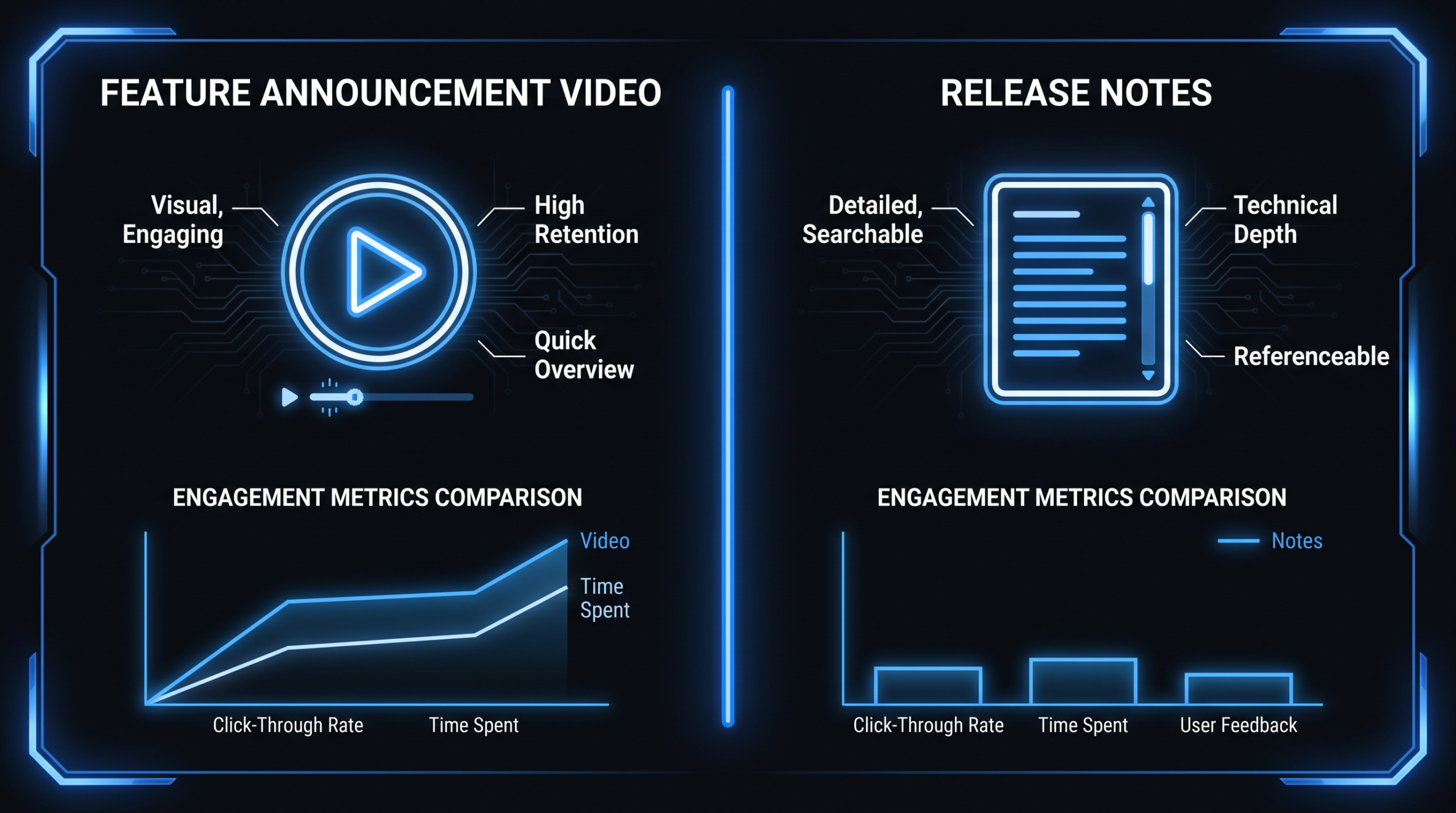
The key insight from this comparison: these formats are not competing for the same job. Release notes serve documentation and power users. Feature videos drive adoption and expansion. Choosing between them is a false problem — the right frame is using both, deployed to different audiences at different moments in the post-conversion funnel.
The SaaS Adoption Funnel: Where Each Format Fits
Most content teams over-invest in the acquisition funnel (awareness → consideration → trial → conversion) and significantly under-invest in the post-conversion funnel: activation → adoption → habit formation → expansion → advocacy. Feature videos live primarily in the activation, adoption, and expansion stages. Release notes belong in an auxiliary documentation layer that supports power users and CS teams across all stages.
Mapping Communication Formats to Post-Conversion Stages
Post-Conversion Funnel: Format by Stage
| Funnel Stage | User State | Best Format | Feature Video Role |
|---|---|---|---|
| Activation | Feature shipped; user unaware it exists | In-app announcement + feature video | Primary — create awareness, show value immediately |
| Adoption | User aware but hasn't tried the feature | Email with video thumbnail + in-app tooltip | Primary — lower the barrier to first use |
| Habit Formation | User tried feature once, not yet routine | Tutorial video + release notes as reference | Supporting — deepen understanding for specific workflows |
| Expansion | Adopted feature, candidate for plan upgrade | Advanced use-case video + customer story | Strategic — surface advanced use cases tied to higher plans |
| Advocacy | Power user, reference account candidate | Release notes, detailed docs, API changelog | Minimal — power users prefer depth and precision over demonstration |
The Adoption Gap: Where Features Go to Die
The adoption gap — the distance between "user is technically aware of a feature" and "user has changed their behavior because of it" — is where the majority of product investment evaporates. This gap is largest in the Activation and Adoption stages for mid-tier engaged users: the 60–70% of your user base that logs in regularly but never actively seeks out new capabilities.
This segment is exactly what feature videos are optimized to reach. They're not hunting for your changelog. They're in their current workflow. A 90-second video in an in-app announcement, a well-placed release email, or a LinkedIn post in their feed reaches them where they are. Release notes require them to come to you. That asymmetry is the entire business case for feature videos.
For a broader look at how high-growth SaaS companies structure end-to-end video programs — from onboarding to feature launches to case studies — see our guide to SaaS video production strategy.
Building a Feature Video Production System That Ships With Every Release
The reason most SaaS companies don't produce feature videos consistently isn't lack of intent — it's the absence of a repeatable production system. When video production is treated as a custom project each time, it's always competing against sprint priorities and losing. The teams that ship feature videos with every significant release have built video into the release workflow itself, not as a downstream marketing activity that gets scheduled after launch.
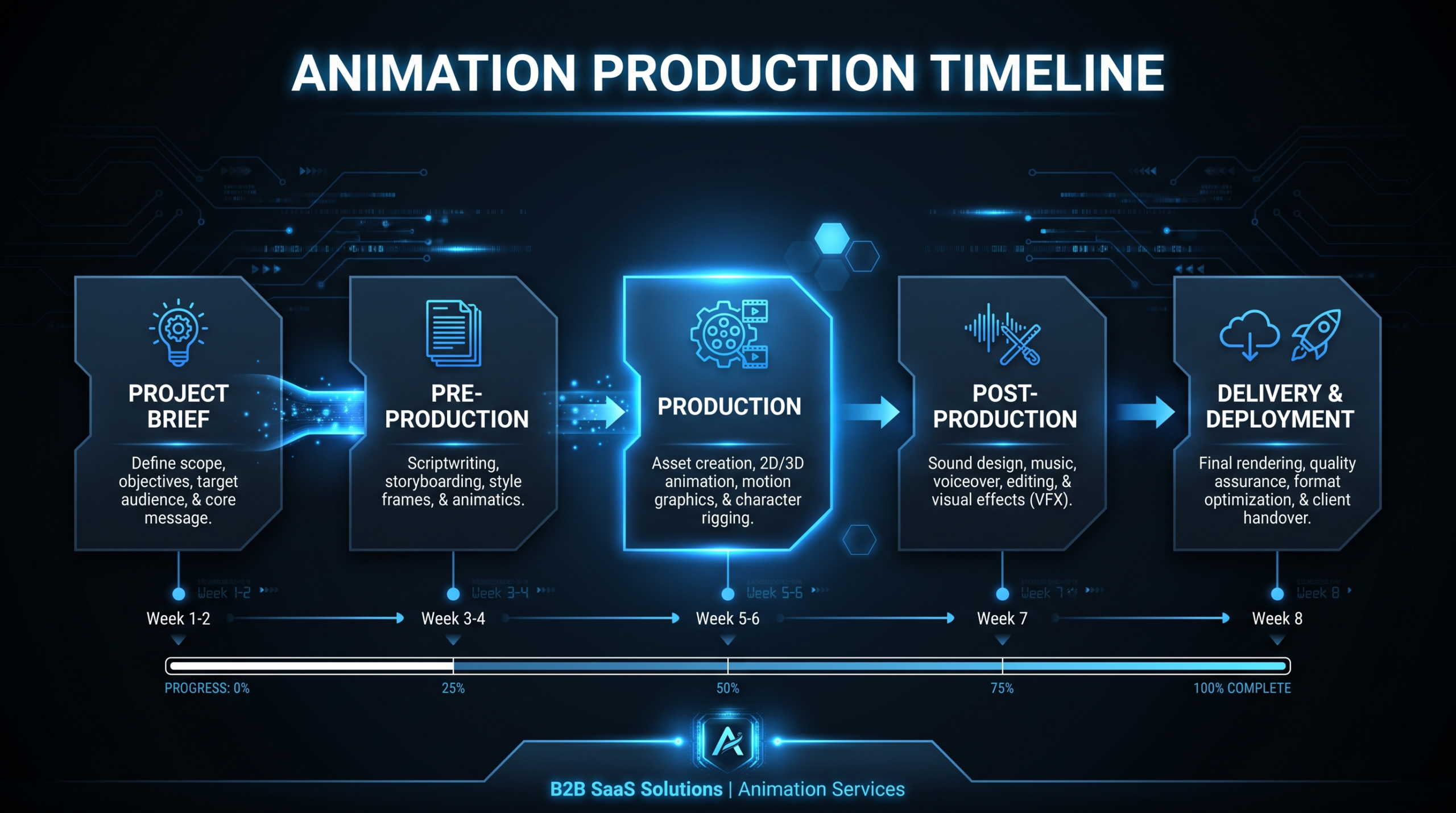
The Production Sprint Model
The most effective approach synchronizes video production with your release calendar. Here's how the workflow runs in practice:
- Brief at sprint kickoff. When a feature enters its final sprint before release, a one-paragraph brief gets created: what the feature does, who it's for, what specific behavior it changes. This brief goes to the video team simultaneously with the QA handoff — not after the feature ships.
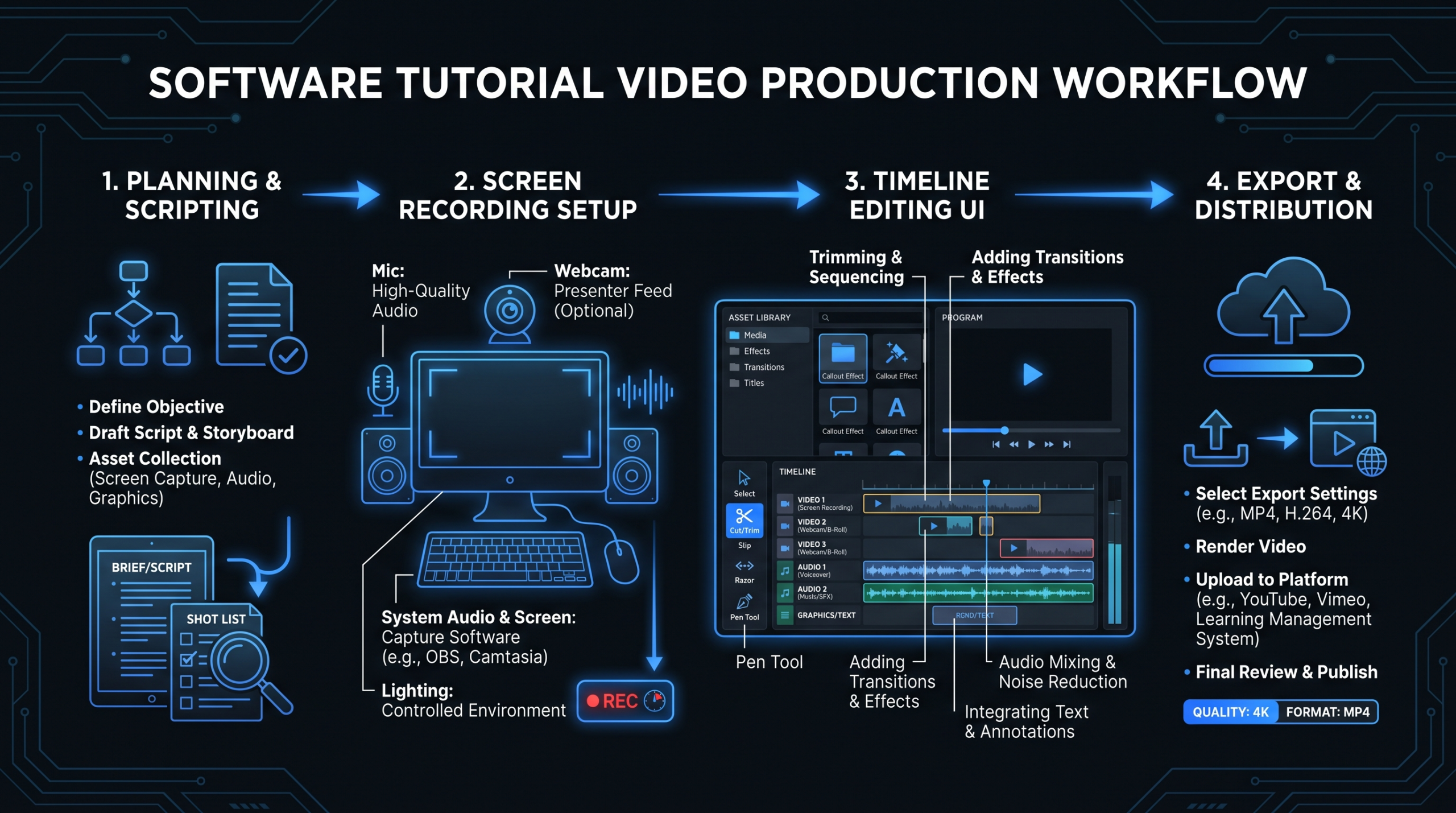
- Raw capture in staging. The product manager or a designated product lead records a raw screen-capture walkthrough of the feature in the staging environment. This is the source material — no formal scripting required beyond a simple "problem / demo / outcome" framework. Total internal time investment: 30–60 minutes per feature.
- Edit and production. A video editor converts the raw capture into a polished 60–90 second feature video: cleaned-up screen recording, clear narration, branded lower thirds, background music, call-to-action end card, and format variants (16:9 for YouTube/email, 9:16 for mobile/LinkedIn). This is where an external video editing partner like VEC delivers the bulk of the value — post-production handled without your team managing it.
- Review cycle. PM reviews for technical accuracy. Marketing reviews for messaging alignment. One revision round, clearly scoped. Done.
- Synchronized release deployment. The video launches simultaneously with the feature — in-app announcement, release email, LinkedIn, and your YouTube product channel. The feature and its video ship as one unit.
What Goes Inside a Feature Video
A well-structured 60–90 second feature video follows a consistent four-part arc:
- Hook (0–5 sec): State the problem or the outcome directly. "Approvals used to take three steps across two screens. We fixed that." No product name, no logo bumper — open on the insight.
- The demo (5–65 sec): Show the feature working in real context. Real interface, representative data, real workflow. No stock footage, no animations substituting for the actual product — show the product.
- The outcome framing (65–80 sec): Reinforce what changed and why it matters. "That's the entire approval flow in a single action. Works in batch mode too for high-volume teams."
- CTA (80–90 sec): Tell the user exactly what to do. "[Feature name] is live in your account today — try it from the dashboard." Specific and immediate.
The Team Structure That Makes This Sustainable
The production sprint model works at scale with a lightweight staffing model: one internal product lead recording raw captures (30–60 min per feature), and an external video editing partner handling all post-production with a 2–3 business day turnaround. That's the split that makes this sustainable — your team contributes the product knowledge and raw footage, the editing partner handles the craft and the output.
VEC's dedicated team model is particularly well-suited to this workflow. Because the same editors work on your account continuously, they internalize your product's visual language, brand standards, and common patterns — the animation style for your UI, your brand colors, your typical CTA structure. By month two or three, feature videos require minimal direction. For teams exploring what this looks like in practice, our overview of what video editing services actually include is a useful starting point for scoping the engagement.
Measuring Feature Video ROI
The business case for feature videos doesn't depend on views or impressions. It rests on product analytics that most SaaS companies are already measuring — you're just not yet correlating them to video engagement. Here's where the signal lives.
The Metrics That Matter
- Feature activation rate — cohort comparison. Track the percentage of eligible users who activate a given feature within 30 days of launch. Compare cohorts where the feature launched with video versus without. This is your primary adoption signal, and it should be the first metric you instrument when you start a feature video program.
- Time-to-first-use. How many days after a release does the median user first use the feature? Video-driven releases consistently compress this timeline — users who watch a feature video are more likely to try the feature the same day. Shorter time-to-first-use reduces the risk of the feature falling permanently into the "ignored" bucket.
- Video engagement depth. What percentage of users who receive the release email watch at least 50% of the video? Where does drop-off occur? Drop-off before the CTA is a signal that the hook or demo isn't landing — fix the structure, not the production quality.
- Retention delta in video-engaged cohort. Compare 90-day retention for users who engaged with a feature video versus those who received the email but didn't engage. This metric is harder to isolate cleanly because of selection effects, but even directional data is useful. A 2–3 percentage point improvement in a high-churn cohort has meaningful NRR implications at scale.
- Expansion correlation. For features tied to upsell pathways or plan upgrades, track whether video-engaged users are more likely to upgrade within 60 days of watching. This connects feature video investment directly to expansion revenue.
Directional Benchmarks From High-Performing Programs
Results vary significantly by product category, user segment, and email list health, but teams running mature feature video programs commonly observe:
- Feature announcement emails with video thumbnails generating click-through rates 2–4x higher than text-only release emails to the same list
- In-app announcements with video thumbnails running 30–50% higher click-through rates than text-based in-app announcements for the same feature
- Feature activation rates in the 30-day window following a video-supported launch running 20–40% higher compared to text-only launches of comparable features
These are directional reference points, not guarantees. Your baseline depends on your product, your audience engagement level, and the quality of the videos. The playbook is to establish your own baseline with the first 3–5 feature videos, then optimize from there. The teams that improve fastest measure consistently from launch one — not after they've already shipped 20 videos.
How to Use Both: The Release Stack Approach
The right answer is never "feature video or release notes." It's a coordinated release communication stack where each format does the job it's built for, deployed to the audience it's built for, at the moment it's most relevant.
The Three-Layer Release Stack
Coordinated Feature Release Communication
Layer 1: Feature Video
60–90 sec. Distributed everywhere: in-app announcement, release email, LinkedIn, YouTube. Primary adoption driver for the broad user base. Success metric: activation rate in the 30-day window.
Layer 2: Release Notes
Detailed changelog entry. Serves power users, CS teams, and technical evaluators. Links to documentation. Success metric: CS team utilization, power user awareness.
Layer 3: Deep Documentation
Help center article or tutorial video (3–5 min). For users who adopted and want to go deeper. Linked from both Layer 1 CTA and Layer 2 notes. Success metric: repeat views, support ticket deflection.
The feature video is Layer 1 because it reaches the most people and has the highest adoption impact per dollar spent. Release notes are Layer 2 because they serve a narrower but important audience — and they're necessary, not optional. Deep documentation is Layer 3 for users who've already converted to the feature and want more depth.
Each layer targets a different audience, uses a different distribution channel, and is measured by a different success metric. Conflating them — or treating release notes as a substitute for Layer 1 — is where SaaS teams consistently leave adoption gains on the table.
The investment required to operate a sustained Layer 1 video program is lower than most teams expect. With a systematic approach to feature video production, companies releasing 6–12 features per month can produce a polished feature video for each one without adding headcount — by treating internal capture as the brief and an external video team as the execution layer. See our breakdown of SaaS video production for cost modeling specific to feature-led growth programs.
Frequently Asked Questions
How long should a feature announcement video be?
For most SaaS features, 60–90 seconds is the effective range. It's enough time to demonstrate a before/after, show the feature in real use, and deliver a clear CTA — without losing the user's attention. Reserve longer formats (3–5 minutes) for complex power features aimed at highly engaged users who have actively opted in to deeper content. Anything under 30 seconds risks being too shallow to drive behavior change; anything over 2 minutes for a routine feature release typically sees significant drop-off before the CTA.
Should every feature release get a video?
Not every release, but every release that changes user behavior warrants one. Bug fixes and backend performance improvements don't need video. UI changes, workflow improvements, new integrations, and meaningful new features all benefit from video communication. A practical rule: if it would appear as a named item on your product roadmap, it should have a feature video. If it's a hotfix or infrastructure change, release notes are sufficient.
Do we need a professional video team, or can we do this internally?
The raw screen capture should be done internally by your product or engineering team — they know the feature best and can record a walkthrough in 30–60 minutes without formal scripting. The editing, polish, and production should be handled by a professional team. Screen-recorded walkthroughs with unedited audio and default exports perform significantly worse on engagement metrics than polished, edited feature videos. Production cost for a professional 90-second feature video typically runs $500–2,000 depending on complexity — well below the cost of the feature itself.
What's the best channel for distributing feature videos?
Use all of them, prioritized by where your users are most contextually ready to act. In-app announcements with an inline video thumbnail typically have the highest engagement because the user is already in the product. Email with a video thumbnail and a clear CTA outperforms text-only release emails on click-through. LinkedIn and Twitter/X serve community and brand signal purposes. YouTube provides SEO and long-tail discovery value. Don't skip in-app — it's the highest-intent placement available to you, and it reaches users who never open your release emails.
How do we build a sustainable feature video program without adding headcount?
The key is separating raw capture (internal, minimal time) from production (external, fully handled). Your PMs record raw screen walkthroughs — 30–60 minutes per feature — using Loom, QuickTime, or any screen recorder. A dedicated video editing partner handles all post-production: editing, color, narration cleanup, branded assets, and format variants for each distribution channel. This model keeps your team's time investment minimal, maintains a consistent 2–4 business day turnaround per video, and eliminates the overhead of hiring and managing editors in-house. See how VEC's production process works for specifics on running this at scale.
Ready to Ship Feature Videos With Every Release?
VEC provides dedicated video editing teams built for SaaS product teams — the same editors on your account every sprint, who know your product and brand. Growth plans start at $5K/month. We guarantee double your video output in 90 days, or month 4 is free.
Book a Free Strategy Call See How It Works See Pricing